
External USB drive as RAW — asking for a format or disappearing from the system?
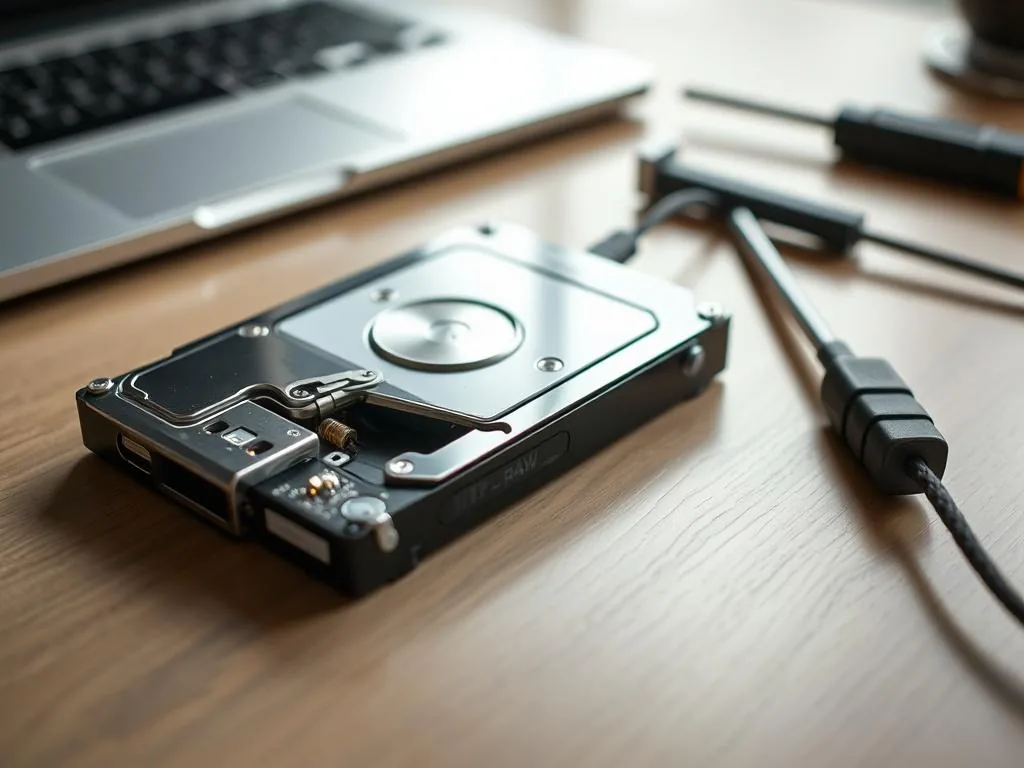
In a Warsaw apartment, office or coworking desk, an external USB drive is more than a disk. Between your laptop and the data sit a cable, USB port, enclosure electronics, often a USB-SATA bridge and sometimes a separate power supply. When Windows shows RAW, any part of that chain may be involved.
You connect the external disk, you hear the sound of the system, but instead of the data, a message about the format, the RAW file system or the disk disappears after a while. This usually means a problem with file system metadata, read errors, USB-SATA bridge or media itself. If the data is valid, do not run CHKDSK, do not format and do not force reading on an unstable storage device.
First step on USB drive in RAW state
Disconnect the disk from further attempts, do not click "Format", save the exact error message and check that the problem has occurred after the fall, cable disconnect, CRC error or power failure. If the media taps or hangs up while copying, do not run it repeatedly.
USB drive shows RAW - what it usually means
External drives work in more difficult conditions than the media mounted inside the computer. The problem may arise from a damaged USB-SATA bridge, unstable power supply, reading errors, damaged sectors or broken metadata. If the disk is unstable, the reading is first protected, rather than repairing the file system on the original media.
- USB-SATA bridge problems: Inside the housing is a small electronic system (bridges), which translates the data from the disk to the USB standard. If this system fails or overheats, the system begins to receive distorted information and means disk as RAW.
- a 2.5-inch drive can draw more current than a weak port, hub or long cable can supply.
- repeated reconnects and vibrations can corrupt metadata around the MFT or boot sector. damaged sectors in key areas of the file table.
Traps of home repair - what to avoid
When data is valuable, instinctive actions can be your greatest enemy:
- Multiple cable overscrew: if the drive has damaged heads or surface, any subsequent start-up may aggravate the damage.
- "Test-to-Test"enclosure change: Many modern external drives (e.g. WD or Toshiba brand) have hardware encryption at USB bridge level or USB connector integrated directly into disk electronics. Attempts to circumvent housing electronics without diagnostics can permanently block access to data.
- Using metadata modifier software: automatic procedures try to save "correct"structures on a damaged storage device. If the disk has physical errors, this action can overwrite some photos or documents.
Professional approach: how USB cases are recovered
Under laboratory conditions we do not rely on a standard USB connector, which is unstable at failures.
- where possible, reduce the impact of the damaged USB enclosure or unstable adapter.
- stabilise power and limit repeated read errors caused by a weak USB path.
- Binary imaging: We create a 1:1 copy, controlling each sector. If we encounter a difficult to read area, laboratory tools allow you to bypass it and return to it later, without repeatedly tiring disk mechanics.
Note: The external drive reporting the RAW system is a storage device in a high-risk reading state. The safest way to limit further tests and perform controlled diagnostics.
Your USB drive reports a RAW error?
Stop actions on the original media before clicking "Format". Consult the case with the laboratory: 573 532 490 – we will go through the condition of the storage device and indicate the safe next step.
Related path of diagnosis of external media: → HDD data recovery
How to check whether the problem is USB or the drive itself
The lab first checks whether the USB layer is part of the problem. Sometimes the enclosure is bypassed and the drive is read through a more stable interface. If sectors are weak, the priority is controlled imaging. Logical folder reconstruction comes later, from a copy.
If the disk disappears during copying, it makes unusual sounds or once works, and once shows RAW, it is not worth treating it like a smooth USB memory. In this case, it is important to stop further tests and protect the vehicle from further reboots.
When a RAW message on a USB drive needs faster escalation
The most dangerous are the situations in which RAW connects to the instability of operation: very slow reading, CRC errors, disconnection of the device or the problem with starting the housing. Then the problem may concern not only the file system, but also electronics or the disk itself inside the enclosure. The more action you take without a procedure, the greater the risk of deterioration of the vehicle.
How to prepare a case when RAW returns every time
If after one controlled test the drive still shows RAW, disappears from the system or works extremely slowly, it is not worth treating it as an incident limited to a USB interface. It's much safer to go straight to the path data recovery from USB external disks and in the report describe whether the problem occurred after being disconnected without being ejected, power loss, fall or errors during copying.
A good next step is a short description of the RAW message in the notification instead of further mounting and repairing the vehicle. This allows us to determine more quickly whether we are talking about a logical problem or whether we are already talking about an unstable device requiring laboratory diagnostics. If you want to get your business decision in order, see also What the evaluation of data recovery looks like.