
RAW disc after connecting to another computer – what could have happened?
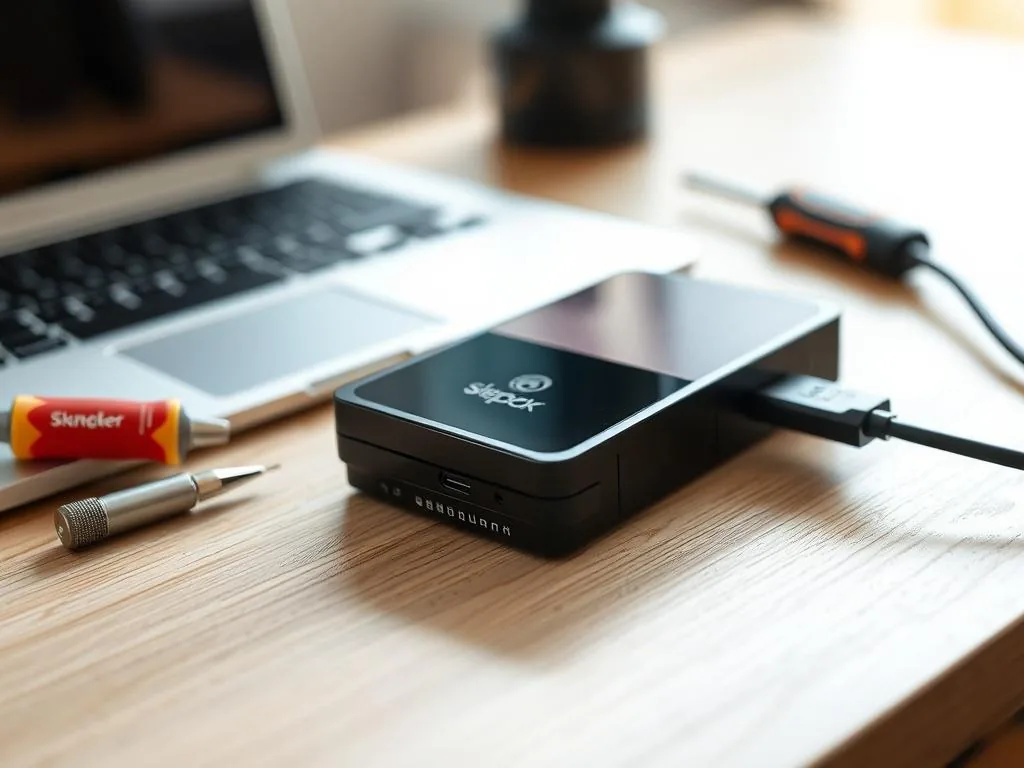
You move an external drive from one laptop to another - perhaps between a home computer and a Warsaw office workstation - and suddenly Windows shows RAW instead of folders. The second computer probably did not erase the data. It exposed a file-system or device problem that normal access can no longer handle.
Why a drive can show RAW after reconnecting
The mistake is to test the drive on five more machines. Different ports, hubs, cables and USB controllers can change the symptoms, but they can also keep stressing an unstable device. USB external disk path Or HDD, not another test on the original storage device.
- Wrong disconnect from previous device: If the disk was pulled out during operation (without using the option "Safe equipment removal"), the file system could have remained in the "dirty bit". Another computer, seeing the inconsistency, refuses to mount a partition to protect data.
- USB port power problems: Each computer has a different power efficiency of ports. If the new computer gives too low voltage, the disk controller cannot initiate the reading of the file table, resulting in a RAW error.
- Electrical or cable failure: Frequent switching of the cable can damage the socket or the wire itself. Errors in data transmission make metadata reach the processor in distorted form – the system interprets this as a lack of formatting.
- Standards differences: Older systems may have trouble reading very large partitions or newer standards (e.g. a disk formatted in the Mac file system connected to Windows without proper drivers).
What not to do in this situation
The greatest risk is created by a series of activities without a diagnostic plan: another port, another laptop, a tool that modifies the file system, scanning and formatting. Each of these operations can change the metadata or additionally overload an unstable storage device.
- Avoid automatic Windows repair: The system after connecting can propose "Scanning and repairing". If the problem is physical damage to the sector, this operation may change the structure of the file system and impede the subsequent imaging of the media.
- Don't force the cable: if you suspect a connector problem, each next attempt can cause a short circuit in the electronics of the disc.
- Do not run partition modifiers: Automatic applications for RAW repair may change the partition table and hinder later reconstruction of the data structure.
One controlled cable/port check is reasonable. A chain of laptops, repair prompts and scanners is not.
When it is time for specialist help
If after changing the cable and one check on a stable port the disk still reports RAW, the problem may be deeper. With the unstable HDD it is safer to work on a work copy rather than repair the file system on the original storage device.
The laboratory first determines whether RAW is just a logical error, or a symptom of an electrical problem, surface or power supply. This difference determines whether you can analyze the file structure, whether you need to reduce readings from the media first.
What to do when RAW appears after moving the drive
If Windows offers "scan and fix", decline it when the data matters. That function is designed for volume repair, not for preserving maximum recovery evidence. 573 532 490 or prepare a description with the disk model, error message and information on the computer.
Next step: → check path for HDD
How to check whether the problem is the system or the device
First, it is worth keeping the number of trials to a minimum. Check one proven cable, one stable USB port, and one computer, instead of overclocking the disk through several laptops, hubs and transitions. If the media makes unusual sounds, hangs up or the system long waits for a response after the connection, then a sign that the problem may go beyond the file system itself and affect the state of the device.
If you care about data, do not run CHKDSK, fast formatting or several scanning tools one by one. Such a set of actions can transform a reversible logical problem into a case with more reading errors. In practice, it is safer to first determine whether it is just the inconsistency of the file system or the scenario for HDD either damaged external disk.
When RAW after reconnecting means something more serious
Write down the previous computer, the new computer, operating systems, cable/enclosure used, exact message, capacity shown and any tools already launched. This is more useful than another scan.
In such situations, you should also read the guide RAW disk – not format and entry External disk disconnects when copying. These two scenarios are very often linked to cases where, after the vehicle is cut, there is suddenly no access to data.
How to hand over the case for diagnosis
If when you connect to another computer the disk suddenly shows RAW and there are important files inside, the best move is to interrupt further attempts and calmly describe the symptoms. In the notification by contact with laboratory it is worth to specify on which computer the disk worked earlier, after which change the RAW appeared and whether the device was previously disconnected without safe ejection.
RAW combined with slow access, I/O errors, clicking, repeated disconnects or changing capacity can mean surface degradation, controller trouble or enclosure failure. In that case, logical repair tools may make the later lab process harder. evaluation of work and enter the service diagnostics of USB external disksif applicable, a portable storage device.