
Do not install recovery software on the source drive
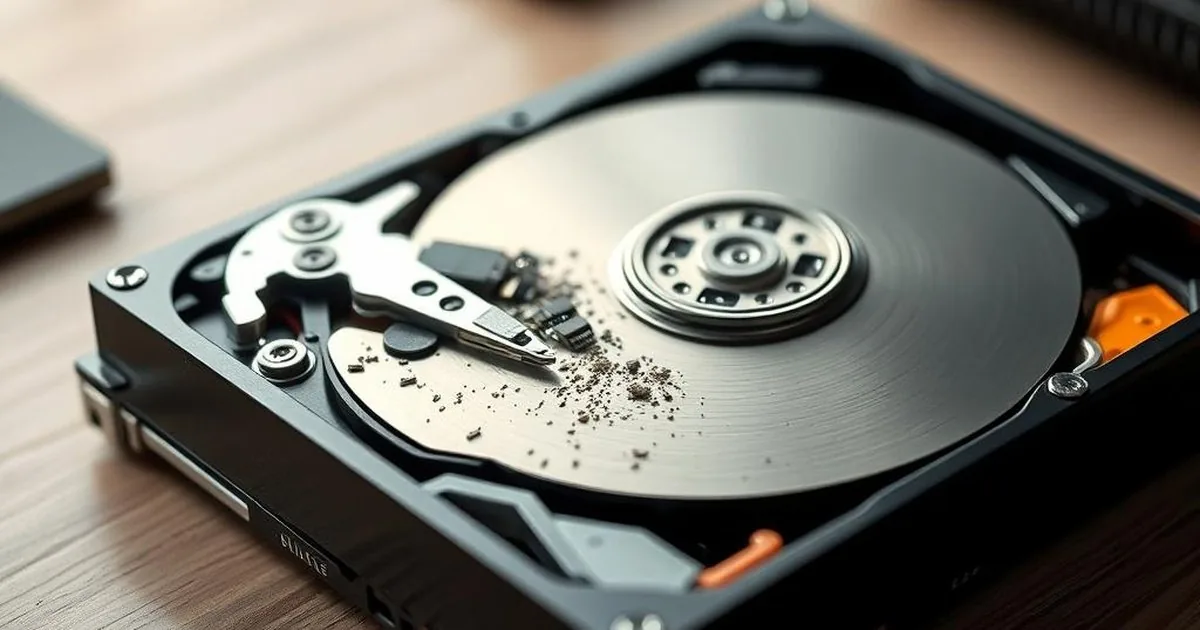
A deleted folder on a Warsaw company laptop can still be recoverable until Windows downloads an installer, expands temporary files and writes browser cache over the same space. The source drive is not a workbench. It is the evidence.
First, keep the records on the rhesus. It is only then to examine whether the case is logical and stable, whether there are signs of failure: RAW, CRC bugs, USB disconnection, HDD taping or SSD disappearing from BIOS/UEFI.
Why installing on the same drive is risky
Even when software later finds file names, the contents may already be partially overwritten. That is why the first rule is not about brand of software; it is about not writing to the source medium.
Software can make sense when the device is physically healthy, the loss is logical and the program is installed on another drive or another computer. The scan target and the save destination must be different from the source device.
When recovery software can make sense
Analytical software can help you with simple cases: accidentally removed a file, an empty basket or a new format on a stable HDD pad. The condition is one: the analysis of the action from another disk, and the results do not hit the source.
With the SSD/NVMe you need to additionally consider TRIM. Worth checking, how TRIM affects the recovery of deleted files on the SSD, before you run a long analysis of the storage device.
When to stop and not scan the device
If the disk disconnects when copying, reports the entries/outputs, works very slowly, releases unusual sounds or the system proposes formatting, the problem is not just a file. Then any subsequent program reading can be heavily cut down.
Write down what happened: deletion, formatting, RAW state, failed copy, power loss, software crash or earlier repair attempts. Then decide whether the case is safe for software or needs diagnosis first.
A safer recovery workflow
- Do not install anything on the disk from which it disappears The data is complete.
- Install tools on a different computer or drive.
- If possible, work on a work copy or an image of a storage device.
- If they show up... signs of physical symptoms, do not perform long program readings.
- Save what happened: remove, format, RAW, system message, earlier would have done so.
Related scenarios:
Overwriting in practice
Installing an app is only one example. Saving screenshots, exporting recovered files, letting cloud sync download placeholders, creating ZIP archives, running system updates or opening heavy applications can all write new data.
Therefore, the safe rule is simple: treat the tool as a reading material rather than a workplace. Software, if all makes sense, should work from another disk, and recovered files should hit a separate storage device. If the disk is unstable even such a variant can be too risky, because the long reading increases the load.
When the list of found files can be confused
The software can show filenames, miniatures or old... the structure of the catalogues, but this does not guarantee that the contents are complete. Some data may already be overwritten, and some may come from damaged records. Therefore, the result of the analysis without verification of files can be successful. For the client it is more important to have a working document, a photo or a database, rather than a list of names.
FAQ: data recovery software
Can free software help?
It may, but only in a simple and stable case: accidental removal, lack of hardware symptoms, work with a different storage device and record of results outside of the system. If the disk disappears, click or shows errors, the software does not solve the cause.
Can I install such software on partition C if the data is on the desktop?
It's still the same storage device. Installation, updates and cache can be... overwrite areas after deleted user files. Safer to stop your computer and work with another system or storage device.
What if the program has already saved the recovered files on the same disk?
Stop further action and describe what has been saved. This does not always reverse recovery, but changes the rating: some old data can be covered with new files.
What to do instead of downloading another program
Disconnect a problematic storage device from daily work and prepare a brief description: disk type, symptoms that disappeared, whether they were done scans and whether the data have a backup. If you do not know that program recovery is safe, go to reports with a description of symptoms and previous attempts before installation...