
Damaged HDD – 5 actions that can make the situation worse
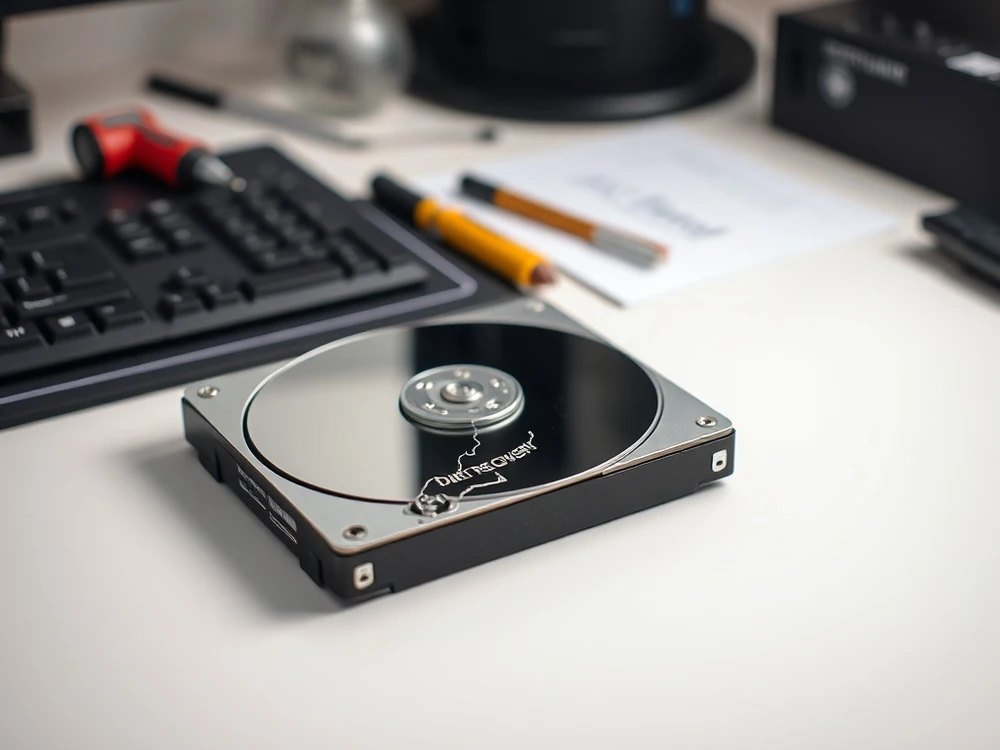
The disk disappears from the system, requests formatting, taps or interrupts copying? First, separate the storage device from further work and do not start modifying procedures without diagnostics. After data loss, the greatest damage is usually caused by the first hasty decisions, not the message itself.
These five mistakes are the ones we most often have to untangle in the laboratory. Some are Windows habits, some are internet myths, and some are just stress reactions. The safer option is usually quieter: stop writes, note the symptoms and decide whether the case is logical, mechanical or already a lab job. HDD or SSD/NVMe.
Mistake 1: running CHKDSK or automatic repair on an unstable drive
CHKDSK can repair file-system structures on a healthy disk. On an HDD with bad sectors, slow reads or disconnects, it may rewrite the MFT, move entries to found folders or leave a half-repaired file system behind. That can make later reconstruction harder, especially when the drive is already losing sectors.
Instead of running the automatic modification procedure, note the message and check whether the problem matches the guide not using CHKDSK on a damaged drive. With important data, it is safer to work on a work image than to act on the original.
Mistake 2: installing recovery software on the same disk
Recovery software is not the problem by itself. The problem is writing to the same storage device that contains the missing files. The installer, browser download, temporary files and output folder can overwrite the very sectors you want to recover.
On an SSD or NVMe drive, the risk is higher because TRIM and background cleanup may remove deleted-file references quickly. If the device is stable and you still choose a software-only check, run it from another disk and save results elsewhere. When the drive is noisy, RAW, disconnecting or reporting I/O errors, move to why not install such software on the same disk.
Mistake 3: formatting or initialising the disk so it appears again
RAW, “unknown” and “not initialised” messages are system interpretations, not proof that the files are gone. Formatting, creating a new partition or initialising MBR/GPT writes fresh structures to the device. Sometimes recovery is still possible afterwards, but the case becomes less clean.
If Windows asks to format the drive, do not confirm just to “unlock” it. The same applies to Disk Management prompts asking for initialisation. Compare the symptom with our notes on the
Mistake 4: powering on a drive with mechanical symptoms again and again
Clicking, repeated spin-up attempts, squealing, scraping, BIOS freezes and a drive that vanishes after warming up are mechanical warning signs. More power cycles can turn a recoverable head or surface problem into wider platter damage.
Do not open the HDD at home and do not keep copying “until it finally catches”. Contact the laboratory. If the drive clicks on startup, keep it powered off and describe the exact sound, device model and last successful access. The guide on a drive clicking on startup and Path for HDD disks.
Mistake 5: trusting a backup before checking what is inside
“We have a backup” is only useful if it contains the current files and opens correctly. We see cases where the backup was months old, synced the wrong folders, or lived on the same failing NAS as the original data.
Before formatting, rebuilding a RAID array or running repair tools, verify the backup on another device. If the array or server holds the only usable copy, treat it as a business incident and review RAID/NAS data recovery before starting automatic rebuilds.
Safe plan instead of five mistakes
- Switch or stop the system if the disk is unstable.
- Save symptoms: messages, lengths, capacity visible in the system, earlier would be.
- Do not format, initialize and do not run CHKDSK on the original.
- Do not install scanning software on the storage device from which the files disappeared.
- If the data is valid, message description of the failure and check on which the evaluation of the work depends.
How to recognize which error is the most dangerous
The biggest risk usually occurs when one error starts next. Example: the disk starts clicking, is connected by another pass, the system proposes repair operation, then CHKDSK comes, and at the end the scan results hit the same tool. Each stage can change the state of the data, so for the laboratory it is important to turn the event.”
Otherwise, one file deletion, another quick formatting, or another formatting is evaluated combined with further saving. With the HDD there is mechanical risk, with the SSD/NVMe operation of the TRIM and order blocks, with memory cards of the controller error and file system. Therefore, a good description of the failure need not be long, but should be specific.
What to write after a failed trial
- what software or procedure has been run and whether or not the data was stored on the storage device,
- whether the system offers formatting, initialization, repair or CHKDSK,
- whether the visible volume, the disk letter or the list of files has changed at any time,
- which folders, databases, photos or designs have the first ‘stage and if there is any backup.
Such a note does not serve to settle a mistake. Helps to recreate a string of changes and choose safer... method of working on the copy, instead of guessing on the original storage device.
Next safe step
If several symptoms appear together, stop the chain of attempts. Prepare a short case description, use the submission of the diagnostic paper, failure description form or consult the telephone...
How to describe a failure without technical ARGON
You don't need to know whether the problem concerns the firmware, head, file system or controller. The most helpful is a specific description of the symptoms: what happened before the failure, which message appears first, which actions have been performed, or the disk releases a lot and which folders have the first ‘being. Such a description gives more than a general statement of the failure of the storage device.
If an accident occurs on the way, write it directly. Formatting, CHKDSK, analysis performed on the original or several restarts do not reverse... automatically matters, but they change the way you evaluate and turn action. Hiding these attempts only a diagnosis.
The most important rule is simple: if you do not know if the next click will save anything on the storage device, don't click. In data recovery, no action can be better decided Not quick, accidental repair. Only after diagnosis is known which steps are safe.