
JFS vs. XFS – why is the DVR/NVR file system the key to retrieving recordings?
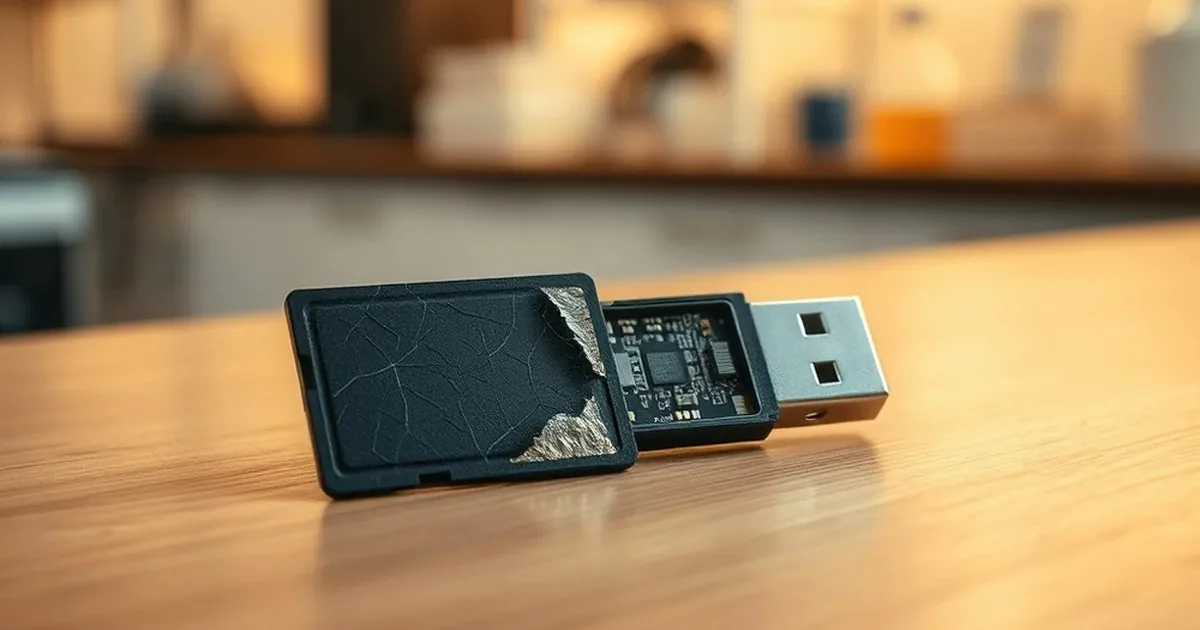
Technical note: JFS and XFS in DVR/NVR recorders
This technical article explains how a recorder file system affects CCTV and DVR/NVR recovery. It is not a broad first-aid guide for missing footage. It explains why JFS, XFS and the way a recorder writes continuous video streams can decide whether the missing material is recoverable.
If the recordings have just disappeared or were deleted, start with first aid after deleted DVR/NVR recordings. If you need full diagnosis of the recorder or disk, move to the main DVR/NVR recording recovery.
In DVR/NVR systems, the file system is not a minor technical detail. It is one of the main reasons why typical recovery software does not see recordings correctly. JFS, XFS and manufacturer-specific layouts store metadata, indexes and continuous video streams differently from ordinary desktop disks. laboratory recovery of surveillance footage allows you to work on a copy and bypass the limitations of the recorder.
Why the recorder file system matters during footage recovery
DVR and NVR recorders write footage for continuous recording and later overwriting. From a recovery perspective, the file alone is not enough. Indexes, timestamps, video segments and the way data is mapped onto the disk matter just as much.
That is why file systems known from normal computers, such as FAT32 or NTFS, are not a reliable reference point for analysing CCTV material. In practice, the toolchain has to match the actual structure used by the recorder.
JFS and XFS handle large files and intensive writing well, but recovery depends on something more specific: how metadata is stored, how indexes point to video segments and how overwritten blocks are tracked.
JFS and XFS: key recovery differences
JFS and XFS are common in DVR/NVR recorders, but they require a different analysis than classic computer disks.
- JFS (Journaled File System): recovery often depends on correctly reading metadata and relationships recorded by the journal.
- XFS: it handles large files and intensive writes well, but after failure recordings may be scattered across segments that must be reconstructed.
The recovery strategy depends on the file system, recorder manufacturer and video write pattern. Reading folders is rarely enough; raw video data and index structures often have to be analysed together.
How JFS/XFS recording recovery works in practice
When a recorder shows an empty disk, no archive or a file-system error, guessing is not useful. The first stage is identifying the carrier and creating a safe working copy.
- File system identification: determining whether it is JFS, XFS or the manufacturer's solution, and whether the problem is logical or physical.
- Binary analysis: reading metadata, indexes and raw video segments outside the standard recorder interface.
- Record reconstruction: combining segments into complete files, verification of the timeline and export of material with the full range of data possible.
The process requires work on a copy, the right tools and experience with specific DVR/NVR platforms. That is why generic desktop recovery software often ends with a wrong read or an empty result.
When to move to laboratory diagnosis
If the recorder uses a non-standard file system and the footage has evidential value, do not test random tools. It is safer to start with diagnosis.
After analysis, it becomes clearer whether the issue is the file system, the physical carrier or the recorder's video write logic, and what recovery scope is realistic.
If you need help, send the recorder model, symptoms and the last operation performed on the disk through the
What to prepare before recorder media diagnosis
Context matters in DVR and NVR recovery. Write down the recorder model, manufacturer, number of cameras, approximate date range of the missing footage and the last operation performed on the device. If the problem appeared after a power cut, update, drive replacement or recorder restart, include that information too.
Do not move the disk through multiple recorders and do not test random file-system repair tools. With evidential material, recovery is not only about getting files back; it is also about keeping the process as safe and repeatable as possible.
When the footage problem is not only the file system
An empty archive, blank schedule or error message does not always mean only damaged JFS or XFS. The real problem may also involve the disk surface, power supply, recorder database or a proprietary write structure. A repair attempt without recognising the cause can make recovery harder.
If the case concerns monitoring, also read
This helps to better assess whether the problem lies in the logic of writing, or in the storage device itself.
If the data is important, move to safe diagnosis
If recordings from the recorder are evidence or operational, it is not worth leaving the decision for later. Select the right next step:
Describe the model of the recorder and the range of missing recordings to quickly select a safe diagnosis procedure.