
Jobs of Dysk i Spółka data recovery laboratory
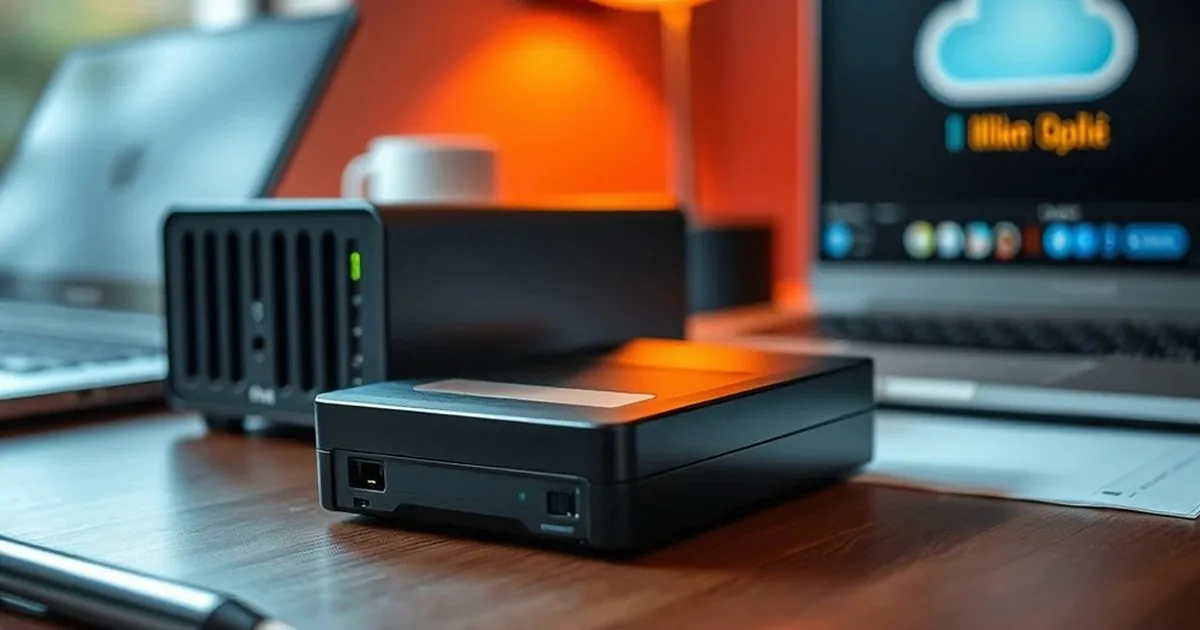
What does a day inside a data recovery laboratory look like? This behind-the-scenes guide shows the cleanroom, intake work and procedures that genuinely improve the safety of your data.
From device intake to first diagnosis
Intake is not paperwork for its own sake. We collect what happened, which files matter, what was already tried and how the device behaved after failure. A CHKDSK run, a RAID rebuild or a firmware update can change the recovery procedure.
The first diagnosis is not a promise. It is a safety checkpoint: can the device be powered, can it be read, should it be cloned, and which steps would create unnecessary risk?
What really happens inside the laboratory
Much of the work is disciplined measurement: power stability, adapter choice, read behaviour, firmware state, file-system structures, RAID parameters and error patterns. The original device is treated as evidence; the working copy becomes the workspace whenever possible.
For RAID and NAS cases, blind rebuilds should be avoided; the safer route is a controlled RAID data recovery workflow . For SSD and NVMe, controller behaviour, TRIM and firmware can matter more than simply trying another computer.
Cleanroom is a tool, not magic
Cleanroom conditions matter when a mechanical drive must be opened safely. They reduce contamination risk, but they do not replace compatible parts, diagnosis, imaging strategy or operator judgement.
Opening a drive in uncontrolled conditions can add dust, fingerprints or handling damage. The value of laboratory work is not the room alone; it is the decision about whether internal work is needed at all.
Why documentation is so important
Documentation keeps the case reversible where possible. It records symptoms, attempts, read settings, clone state and decisions. That helps the laboratory engineer and gives the client a clear picture instead of a generic "drive damaged" verdict.
Good documentation also helps the client. Instead of hearing only that a disk is damaged, the client learns what the problem is, why some actions should not be repeated and what the next safe step looks like. That reduces chaos at the moment when stress is usually highest.
Why we show the process behind the scenes
Showing the laboratory makes sense when it helps to understand the process: from taking the vehicle, through risk assessment, to data recovery and verification. The client then sees that data recovery is not a single activity, but a sequence of steps in which it is easy to harm the storage device if it acts hastily.
If you want to understand better what to do with specific symptoms, see also:
Want to submit a device for diagnosis?
Describe the failure, previous tests and the relevance of the data. This speeds up the assessment of the case and helps to select a safe operation from first contact.
How to prepare the device and case description
The most time is spent not on the diagnosis itself, but on the repetition of the case history from information fragments. Therefore, before contact it is worth saving the most important facts: when there was a problem, what were the symptoms, whether the disc fell, was flooded, sounded or was connected to other devices. For the lab, they're not trifles, they're clues that help you choose a safe procedure.
The most time is often lost not on diagnosis itself, but on reconstructing the story from fragments. If the storage device contains the only copy of photos, company documents or recordings, stop testing it and prepare a short incident summary instead.
When laboratory procedure matters most to the client
Procedure matters most when the data is business-critical, the device is unstable, evidence value matters, or there is only one copy. In those cases, order of operations can be more important than speed alone.
If you want examples of how the procedure changes by failure type, start with the guides to HDD recovery, SSD/NVMe recovery and RAID/NAS recovery.
If you want to assess the case safely
The key lesson is simple: the most expensive mistake in a data emergency is panic testing. The most cost-effective and safest step is to disconnect power and let specialists preserve the storage device before corrosion and unstable voltage do more damage.
Describe the device model, symptoms and the most important data so that the technician can choose the right path of action.
Why procedure matters more than the word "laboratory"
The client usually only sees the effect: the disk works either it doesn't work, the files are back or not. From our perspective, however, the most important is the repeatability of the procedure. It determines whether evidence, database, family photos or corporate design will be diagnosed in a controlled manner, or under conditions that increase the risk of further data loss. Therefore, in the laboratory we place such great emphasis on documenting symptoms, order of action and limiting unnecessary trials.
The client gains understandable risk, a clear next step and fewer destructive guesses. That is what turns a stressful storage failure into a controlled technical case.
What the client gains from real transparency
Showing the back only makes sense if it helps you understand the process. This makes it easier to explain why we ask you not to open the disk at home, not initiate the media after the system message, and not run random tools modifying the data structure. This knowledge reduces the number of user-side errors even before transferring the storage device to the laboratory.
- It is easier to tell whether the problem is logical or physical.
- It is easier to understand why we work from copies and reduce writes.
- It is easier to prepare the information needed for diagnosis: symptoms, failure history and earlier attempts.
If you want to see a practical development of this process, check the material about What a professional lab really does and a guide how to prepare for first contact after media failure.