
What a data recovery lab does, what not to do at home
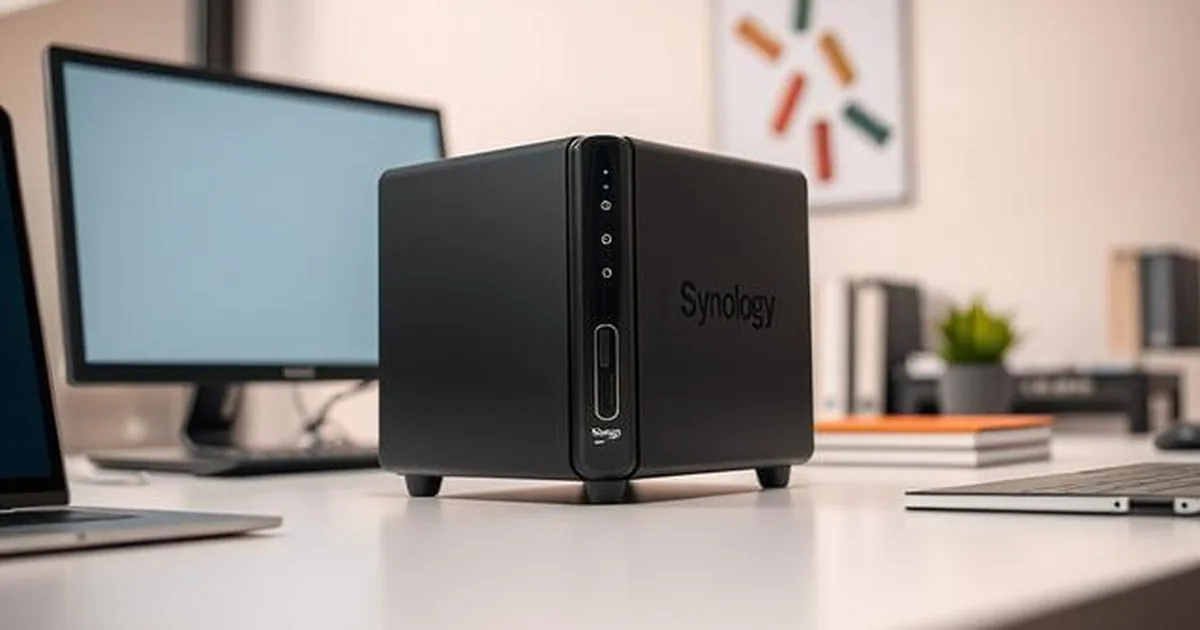
This matters for people in Warsaw who arrive with one laptop, one external drive, one memory card or one company NAS. The lab is not magic. It is a controlled process, proper tools and the discipline to work on copies whenever possible.
What you gain by handing the drive to a lab
It gives you a procedure that protects the data source. With the HDD we limit the number of reading attempts, with the SSD/NVMe we check the controller's work and the risk of TRIM, and with the RAID/NAS we play the system before the next restoration. It is only after this assessment that we indicate a real range of activities, risks and safe order of work.
Why home methods are often not enough
Tools run on the original usually scan, modify the structure, save logs, or charge the same area repeatedly. With an unstable disk, RAW, CRC errors, or matrix after the restoration of the RAID, this could make the data worse.
Home recovery attempts are tempting because they feel immediate: install a tool, click scan, restart, try a different USB adapter. The risk is that each attempt may create more reads, more freezes or more changes to the file system. In our Warsaw lab we do the opposite. The first job is to protect the source, describe the symptoms and stop unnecessary writes.
The laboratory first protects the possible reading and then analyzes the file system. For disc drives, this usually means imaging the sector after the sector; for other media, the procedure depends on the symptom, controller, encryption and state of electronics.
How the recovery process works
Home tools can still be useful in low-risk logical cases, but they are a poor fit when the drive clicks, disconnects, shows RAW, reports bad sectors, drops capacity to 0 GB or contains the only copy of important files. In those situations, a careful stop can preserve more options than another test.
After intake, we document the device and the symptoms: model, capacity, connection type, sounds, previous attempts, error messages and data priorities. If the device can be read, we analyse SMART data, logs and behaviour under controlled conditions. The purpose is to decide whether the failure sits in mechanics, electronics, firmware, media degradation or the logical file system.
Confidentiality and Limits of Promise
When the device is unstable, controlled imaging comes before file selection. Lab tools can change read strategy, skip the weakest zones, return to them later and build a map of problem areas. That helps us recover from a working copy instead of exhausting the only source. In RAID and NAS cases, the same principle applies to every member drive before reconstruction.
What a safe diagnosis looks like before starting data recovery
After diagnostics, the client receives information about what can be done, what the risks are and what the likely cost path looks like. Recovered data is copied to a separate target device. The original medium is not used as the recovery destination.
This is what distinguishes the laboratory from uncontrolled trials on the original: decisions are made after diagnosis, not before it. In practice, this gives a better chance to preserve source material, especially in cases such as SSD/NVMe failures whether matrix problems RAID/NAS/server.
When action on the original storage device reduces recovery chances
The biggest problem starts when the user performs multiple attempts without a plan: runs subsequent program scans, fixes the file system on the damaged disk, restarts the computer repeatedly, or overslips the media between different adapters. Each of these activities can generate further readings, errors and logical changes, which at a critical moment take the laboratory space for safe operation.
The most damaging pattern is not one single mistake, but many attempts without a plan: repeated restarts, multiple software recovery attempts, file-system repairs on a damaged disk, CHKDSK on the only source, rebuilding a degraded NAS array or moving a failing USB drive between adapters while it keeps disconnecting. Each step can add reads, write new metadata or hide the state that existed before the failure.
Which guides to read before you try anything else
The lab advantage is not only equipment. It is the process: work on copies, limit risk, record symptoms and choose the method that matches the failure. If the scenario has already become unstable, the best technical decision may be to stop while there is still enough source material to work with.
It is also good to specify at once the priority of data: whether it is pictures, company documents, database or work project. This allows the laboratory to select the right order of action more quickly, and the customer knows whether the quiet standard mode or faster path by case diagnosis and assessment.
If you want to assess the case safely
If you want to better understand what happens to the storage device, start with several materials from one cluster:
If you want to understand the risk before the next attempt, read a small cluster rather than one random article. Start with the guide to a
Only after that assessment should you decide whether to continue at home or stop. In practice, most severe damage comes from a series of small attempts made without a plan.
If you want to assess the case safely
If the device contains important files and you do not want to risk further experiments, use the
Describe the device model, symptoms and the most important data, and the technician will indicate a safe operation procedure.