
Standard media diagnosis and rapid contact with the laboratory
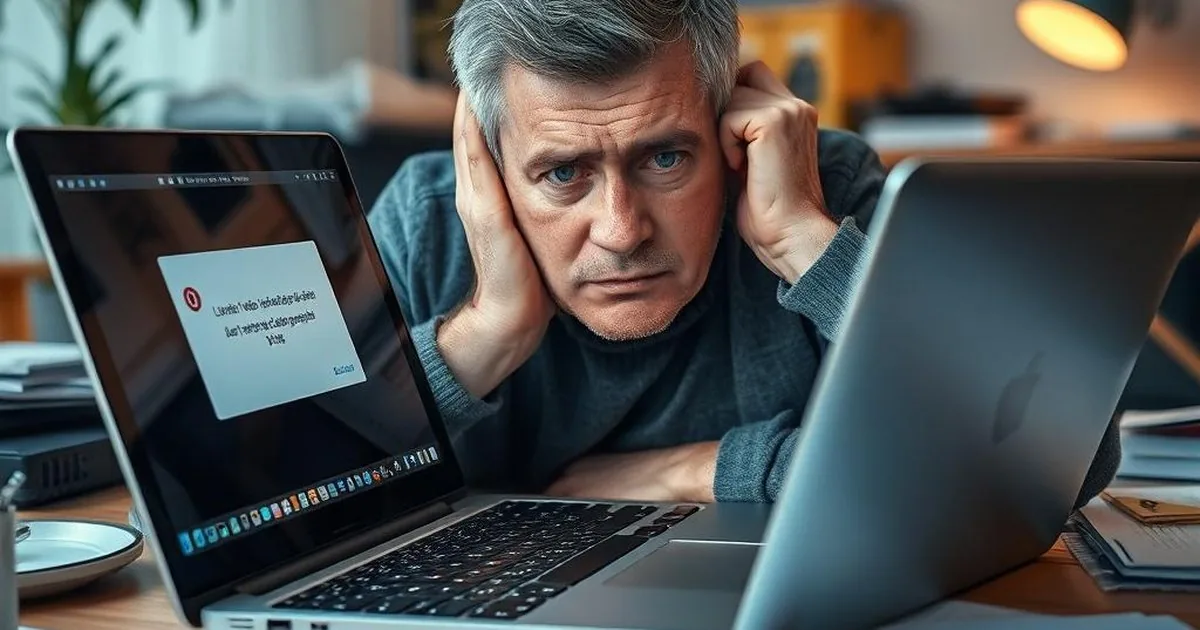
Pressure often leads to repeated reconnecting, random repair tools and quick decisions that change the state of the device. The point of an initial assessment is to stop that spiral before the original media gets worse.
If the drive clicks, disappears from the system, asks for formatting or freezes the computer during reads, the safest decision may be to stop attempts. After data loss, the most damage is often done by hurry and random repairs run on the original device.
The moment to stop self-repair attempts
Stop self-repair when media is unstable, disconnects, reports RAW, shows 0 GB or makes unusual sounds. The fewer writes and experiments after failure, the easier it is to judge a real recovery procedure. With these symptoms, it is safer to start from
Stop testing the original device if it clicks, disappears from the system, asks to be formatted, shows as RAW, was dropped, was exposed to liquid, or contains the only copy of important files.
If the disk has damaged sectors or is working unstably, do not charge it with further scans. First, it is important to determine whether a controlled reading is possible without impairing the condition of the storage device.
In practice, the safest first move is to disconnect the media, avoid repair utilities and stop copying anything onto the damaged drive. Only then decide whether the case is a logical issue or needs laboratory diagnosis.
In the laboratory, we assess the condition of the device, the real chances of recovery and the indicative cost of the work before the implementation decision. This gives you a clear assessment of the situation and the recommended order of action.
Check for diagnosis, quote and further steps in Dysk i Spółka lab.
We help in cases of breakdowns of HDD, SSD, RAID, USB flash drive and memory cards, as well as with logical errors after deletion or formatting. The scope of the work is selected to the symptoms, not to the finished pattern.
Dysk i Spółka Laboratory operates in Warsaw in Białołęka. We explain the procedure, indicate the risks and answer questions before the work begins. It is a calm, factual diagnosis — without pressure and without promising an effect that cannot be proved fairly.
How to prepare the device for an initial assessment
If you want to hand the media in for diagnosis, you do not need complicated actions. The key is to stop further writes and disconnect safely. Note whether the device clicks, disappears, asks to format, failed after a drop, voltage event or system update.
It also helps to list which files matter first and whether standard or priority handling is needed. We do not expect home repairs; secure the device, do not open it and do not reconnect it just to check whether it might suddenly work.
When the case is time-sensitive
Not every fault requires an express path, but there are situations where a quick reaction actually increases the chance of recovery. This applies primarily to disks after the fall, media that release unnatural sounds, servers and RAIDs working in the company and memory cards, which suddenly cease to be visible after an important order. The shorter the damaged vehicle remains in service, the less the risk of worsening the failure.
If the device is still partially readable, every extra attempt can decide whether the lab receives a stable case or media that deteriorated during home testing. RAW and Formatting Message, why not install data recovery programs on the same disk and first help after the laptop has flooded or the disk has fallen.
What to prepare to speed up diagnosis
Not every case needs express handling, but fast reaction can matter for dropped HDDs, unusual noises, company RAID/NAS, memory cards after a job and laptops after spills. The shorter an unstable carrier remains in use, the lower the risk of making the fault deeper. formatting message, type logic failure RAW after power failure Or a problem with an unstable storage device, like in CRC errors when copying.
If you are not sure how time-sensitive it is, treat the case carefully. It is better to pause and consult than overwrite the only copy or add damage. Helpful related guides include contact with laboratory and put the matter first.
How not to make things worse on the way to the lab
A laboratory engineer does not need a perfect story. Useful details include error messages, screenshots, BitLocker/FileVault or NAS password information if relevant, the number of drives in RAID/NAS cases and the folders that have priority. first aid after flooding the laptop and do not run the equipment solely to confirm that the vehicle returns.
It is safer to secure the storage device, describe the symptoms and stop uncontrolled actions before the failure passes from recovery to much more difficult. This is particularly important for the HDD, memory cards after commission, and corporate NAS and RAIDs, where any subsequent launch could cost more time and more risk.
If you want to assess the case safely
If there are important files on the media and you do not want to risk further tests, go to contact and notification form and describe the device model, symptoms and most important data. You can also check the orientation forks on the website how much data recovery costs and immediately check correctly A path for HDD disksIf this type of case fits best.