
RAW drive after a power outage: what happened?
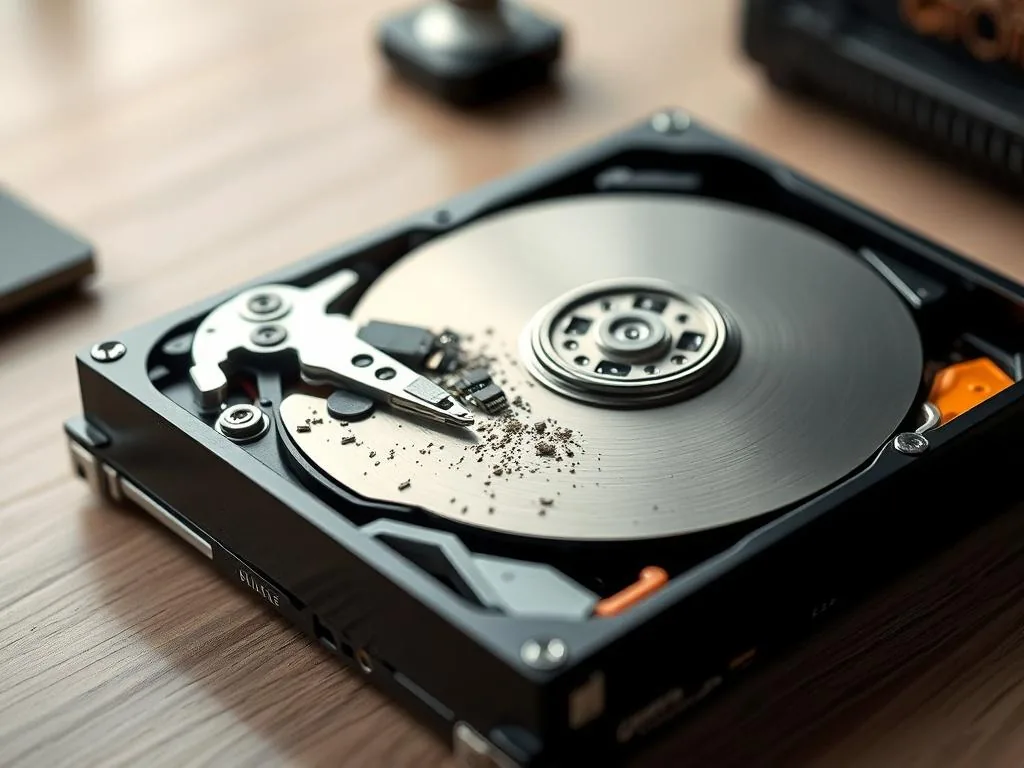
A power cut in a Warsaw flat, office or small studio can leave a drive in a strange state: the computer restarts, the disk spins, but Windows calls the volume RAW and asks for formatting. That does not prove the files disappeared. It often means the system cannot trust the file-system map.
During writes, Windows and the drive update metadata such as NTFS journal records, allocation tables and the MFT. If power dies during that update, the file content may still sit on the media while the index that points to it is incomplete or inconsistent.
Why sudden power loss can damage the file system
The operating system (e.g. Windows) does not save data on the disk in a chaotic way. The whole process is based on a continuous dialogue between the disk controller and the file system (NTFS, FAT32).
While saving files, the system constantly updates the so-called. metadata – means the "content list"and the map of the space on the disk. Sudden power cut interrupts this process at the worst possible moment, leading to three major problems:
- Damage to logical structure: The file was physically saved, but the information about where it is and to whom it belongs did not reach the "content summary".
- File table error (MFT): The operating system cannot read Master File Table. Without this map, Windows sees the disk as "raw"(raw), which is one on which it does not recognize any known data format.
- Sector writing errors: If the disc head of the HDD was in the process of recording, there may have been physical damage to the surface or to the recording of the wrong control sum.
Common mistakes that reduce recovery chances
The usual chain is familiar: restart, click repair, run CHKDSK, try a free scanner, then quick format because Windows keeps asking. Each step may write to the original device or stress a weak surface.
- Running CHKDSK command: this tool modifies the structure of the file system and is not used for data recovery. With the RAW volume, it can delete or transform entries that it cannot assign to the correct directory structure. Such changes may impede the subsequent analysis.
- Disk formatting: it's a risky decision. Although the system suggests a format to restore access to the disk, this operation overwrites logical structures and hinders later work for professionals.
- Install recovery programs directly on the damaged disk: any new megabyte saved on the RAW disk can overwrite lost photos or documents.
How the laboratory approaches this case
Data security is our basis. Before we take any action to modify the file structure:
- Copy sector by sector: We never work on the original. We create a binary copy of the entire media to rule out the risk of deterioration of the disk.
- Read-only operation: We analyze the structure of RAW without interfering with the record, which helps protect other data from change.
- Virtual Reconstruction: We reconstruct file arrays in computer memory, allowing you to safely copy the recovered files to a new storage device.
The first question is not "which software will open it?". It is whether the device can be read safely. A stable drive can often be imaged and reconstructed logically. An unstable HDD needs controlled reads, retries and protection from worsening sectors. An SSD/NVMe case may depend on controller behaviour and TRIM.
RAW after power failure: safe next step
Stop further modification procedures, note the RAW message and describe the symptoms to the technician: 573 532 490
What to check before deciding the data is gone
Prepare a short note: when the outage happened, whether the drive was copying, whether it is external or internal, which file system it used if known, and whether the system shows the correct capacity. Add whether any repair tool has already been launched.
When it comes to the desktop computer or the NAS after the power outage, write down whether there has been a hard shutdown during copying, updating or synchronisation. This information is of real importance in the diagnosis. In many cases it is better to go straight to the material Formatting message or to a guidebook RAW — Not Format, than perform further procedures directly on the original storage device.
When to stop experiments after a power outage
Check only facts that do not write to the disk: model, capacity, whether the device disconnects, whether another cable changes detection and whether the computer freezes after connection. Take a photo of the exact format prompt or RAW message.
When the data is important, stop working on the storage device, do not write anything new on it and prepare a brief description of the symptoms. It's a good time to use laboratory contact or immediately go to service HDD data recoveryif the problem concerns a classic hard drive.
When it is worth reporting the case immediately
If after a power failure the storage device once works and once disappears or asks for formatting, do not attempt to force further file system modification procedures. Better prepare a brief description of the symptoms immediately and choose a safe next step:
This gives more control over further diagnostics than further uncontrolled actions on damaged media.