
RAW drive asks to be formatted: what it means and how to protect the files
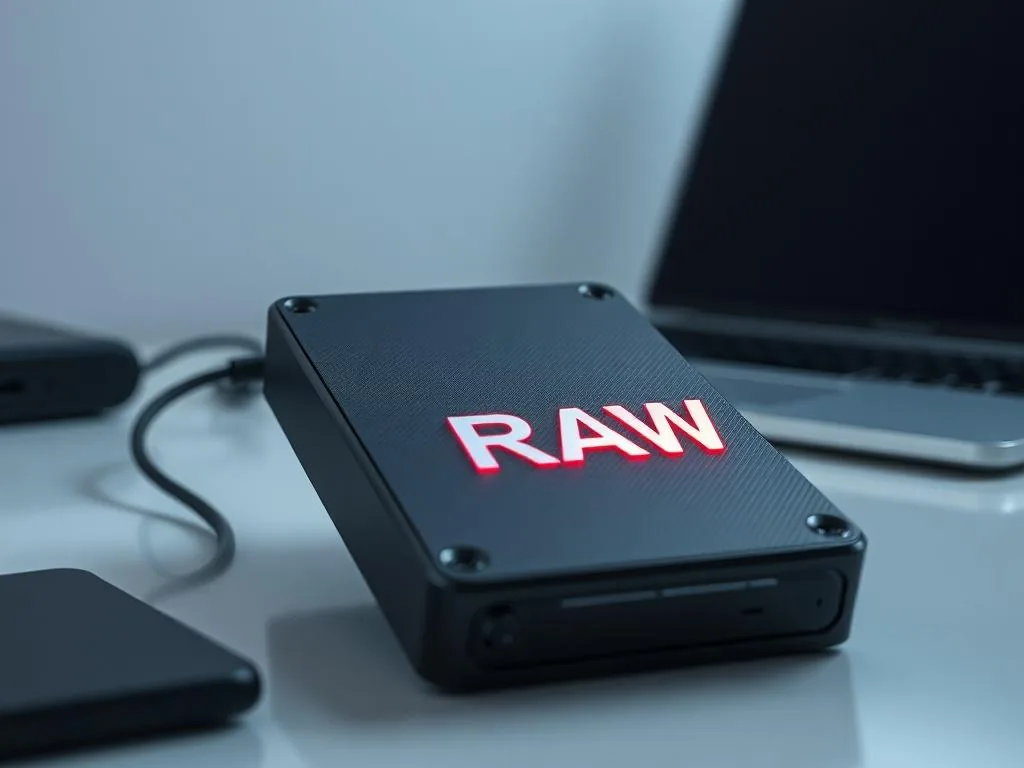
A format prompt means Windows can see the device, but it cannot read the partition or file-system structure correctly. If the data matters, do not confirm formatting and do not run repairs on the original drive.
RAW does not automatically mean the files are gone. Often the map to the data is damaged: NTFS, FAT32, exFAT, the partition table, boot sector or MFT. The safe first move is to stop writes, identify the media type, and choose the right recovery route: HDD data recovery, SSD/NVMe recovery, external USB drive recovery or memory card recovery.
Formatting creates a new structure and can overwrite information needed to rebuild the old one. With a RAW message, understanding the cause matters more than clicking the system's repair suggestion.
Use this simple order: symptom, risk, then safe step.
If Windows suggests formatting, do not accept it while the files matter. The message means the device is visible, but the partition or file system cannot be read reliably.
RAW drive asks to be formatted - what the message means
Formatting is not a safe data repair. The prompt may follow a logical error, unsafe unplugging during a write, a power cut, damaged sectors, a USB bridge fault or electronic failure. First you need to know what failed, then choose the route that avoids extra writes and random repairs.
If the data is important, go straight to the right service path: HDD recovery, SSD/NVMe recovery, USB drive recovery or memory card recovery.
Why did the drive become RAW? Causes
It rarely happens for no reason. In Warsaw cases brought to the lab from Bialoleka, Tarchomin and company offices, these are the common causes we see most often.
- Unsafe removal: unplugging a USB drive while Windows was still writing data.
- Power spike or power loss: a USB port, dock or external enclosure loses power during work.
- Bad sectors: physical read errors appear exactly where the partition table or file-system metadata is stored.
- Malware or destructive software: the partition header is deliberately damaged or overwritten.
For a dropped or clicking HDD, the format prompt may be only the visible symptom of a physical problem.
"Do you want to format the drive?" - why the answer is no
This is the most important decision in the whole case. If you click Yes, the computer can replace an old, damaged but still useful file table with a new empty structure. In practice, that makes it harder to rebuild the original data map.
- Before formatting: the files may still be on the drive; the missing part is the map to them. Recovery is often highly possible.
- After formatting: new file-system structures may overwrite part of that map. The chance of recovery drops and the job may become more expensive.
What to do? Home diagnostics step by step
Before trying another "repair", check whether the problem is logical or hardware-related. If the disk has bad sectors or works unstably, professional HDD data recovery is usually performed by sector-by-sector imaging first.
Step 1: Listen to the drive
Put your ear close to the enclosure. Is the drive spinning quietly and evenly?
- Yes: that is a good sign. The problem may be logical rather than mechanical.
- No - clicking, beeping, scraping or spin-up retries: disconnect power. This may indicate a head or mechanical fault, and continued work can deepen the damage. A controlled lab diagnosis is the safer path.
Step 2: Check another port or cable
Sometimes the problem is a USB port or cable. Try one known-good cable and a direct port on another computer. If the RAW/Format prompt still appears, treat the drive or enclosure as the problem, not the laptop.
Step 3: Do not run CHKDSK
You will find internet advice to run chkdsk X: /f. Do not run it on a device with important data. CHKDSK tries to repair the file system, not preserve your photos, invoices or project folders. If it meets errors, it may rewrite the structure in a way that later recovery cannot fully undo.
How we recover data from RAW partitions in the laboratory
At our lab at Jana Kowalczyka 1 in Warsaw, we do not guess. A RAW case follows a controlled sequence from imaging to export.
- Binary image: we do not work on the original. We create a 1:1 image onto our servers, using hardware write blockers where appropriate, so the state of the source does not get worse.
- Hex analysis: an engineer checks the drive at a low level to find fragments of the old file table, MFT or partition metadata.
- Virtual reconstruction: we rebuild the directory structure inside our recovery environment, not on your original disk.
- Data export: recovered files are copied out with original names and folder paths whenever the metadata allows it.
Summary: RAW drive does not have to mean the end of the case
A RAW prompt is stressful, but many cases remain recoverable when you stop early and avoid writes to the source device.
Golden rules:
- Do not confirm formatting.
- Do not run CHKDSK.
- If the drive makes unusual sounds, disconnect it.
In Warsaw and need the files? Call 573 532 490 and arrange a standard device diagnosis. We will check why the disk became RAW and quote the recovery before you decide on the next step.
When the format prompt means more than a logical problem
If, alongside the format prompt, the drive disconnects, works very slowly, disappears from Windows Explorer or makes unusual sounds, the problem may go beyond the file system. At that point, CHKDSK, surface tests and recovery software can add risk.
Compare the symptoms with our notes on RAW on a USB drive and a drive disconnecting or throwing CRC errors during copying.
How to prepare a case instead of more tests
Write down the exact system message, drive model, capacity shown in Windows and the steps already tried. Do not format the partition and do not install recovery software on the same drive. If this is the only copy of important files, it is safer to move from experiments to diagnosis. Good background notes include whether the drive is encrypted, whether BitLocker or FileVault is involved, and whether CHKDSK or repair tools were already used.
When to move from RAW prompt to contact and quotation
If the RAW message returns and the device contains the only copies of photos, documents or business files, another program test is usually not worth the risk. It is safer to describe the symptoms for diagnosis, see how data recovery is priced, and compare the scope of work with standard disk recovery.
Use the case submission form when you are ready to send the symptom details.