
WD My Passport NVMe data recovery - case study of an unstable external SSD
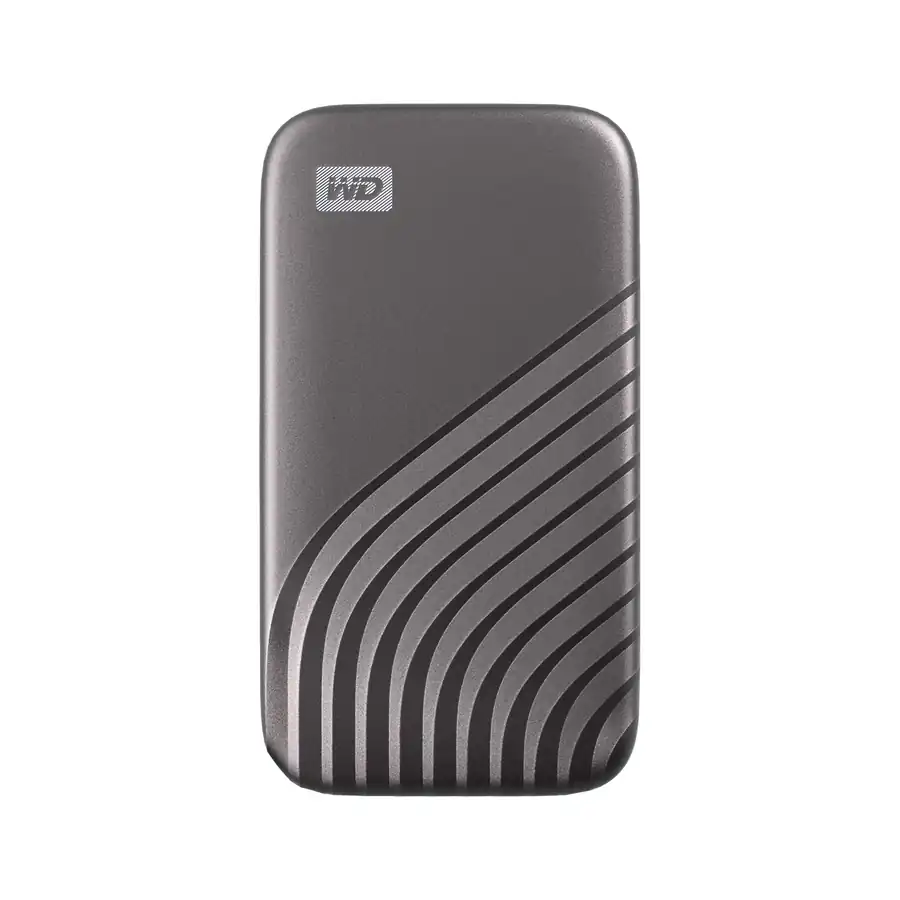
A client brought in a WD My Passport NVMe external SSD that appeared and disappeared from the system, froze the computer during reads and behaved as if every long scan could be the last stable window.
- No clicking does not mean a simple case. SSD and NVMe failures often happen without the classic sounds of a damaged HDD.
- The wrong move would have been a full-device scan. The priority was to read the most important data while the controller still responded.
- A quick decision to stop trials helps the most.
What mistakes could have made things worse quickly
In such cases, the biggest threat is not one specific failure. More often, the problem is the sum of seemingly innocent actions: multiple unplugging and connecting the media, launching subsequent data recovery programs, copying everything at once or leaving the disk under load for hours. With unstable SSD with NVMe controller, any such attempt can shorten the window in which the media can still be read predictablely.
Therefore, in practice it is better to prepare the plan immediately: disconnect the disk, note the symptoms, not update the system software and not initiate the device in the system. If this is the only copy of the project, more important than "checking again"is a quick transition to controlled diagnosis of SSD/NVMe.
What should the owner of such a vehicle do right away
- stop full scans and load tests,
- don't copy the entire disk right away, just secure the model information and symptoms,
- do not update the manufacturer's tools or system software "on test",
- if the storage device is of corporate importance, you will immediately prioritise the most important directories and files.
If the external SSD once works and once doesn't work, you should also read a guide on this, which means SSD invisible in BIOS and material on this, how TRIM affects recovery chances. This makes it easier to distinguish between a simple inconvenience and a condition in which each subsequent decision counts.
The device contained a large archive of project and private data. It was not a clean "deleted files" case. The external SSD was detected irregularly, then vanished, and longer read attempts caused the workstation to hang. In that state, every unnecessary power cycle, benchmark or recovery-software scan can reduce the time in which the controller still answers predictably.
Symptoms reported by the client
- the storage device has been detected irregularly,
- directory access froze or slowed down without warning,
- The transfer was unstable and rapidly falling,
- the client had tried short access checks, but had not formatted, initialised or run destructive repair tools.
The latter would be crucial in a similar case: the lack of aggressive trials leaves more possibilities for safe diagnosis.
Why this case was high risk
External NVMe SSDs can fail in a way that feels random to the user: sometimes they mount, sometimes they disappear, sometimes the computer freezes before any file list appears. The cause may sit in the USB bridge, firmware, controller behaviour, NAND state, overheating or power stability. Unlike an HDD, there may be no noise that warns the owner to stop.
What a secure strategy looked like
Long scans are especially risky here. They spend the limited stable window on reading everything, including low-value areas, while the controller heats up and error handling gets worse. For a client who needs project folders, accounting exports, photos or design files, a priority-driven read strategy is safer than a heroic full sweep.
Result and practical lesson
The first step was to document the symptoms and avoid any operation that would write to the SSD. We checked whether the issue looked like enclosure/bridge instability or internal NVMe behaviour, then selected a read strategy that limited stress and focused on the most important data areas first.
What SSD and NVMe owners should do
If the external SSD once works and once disappears, do not consider it an incentive for further testing. This is usually a signal that you have to stop further tests on the original and go to a controlled diagnosis. With NVMe, the most expensive is not the defect itself, but the decision to interrupt uncontrolled tests is too late.
What to do when the external SSD continues to disappear or hang up at random
The lesson is simple: if an external SSD works once and then disappears again, treat it as a warning, not an invitation to test harder. If the data is important, prepare the model name, capacity, last successful access, error messages and the list of priority folders before the next power-on.
The most common questions with unstable external SSD
Is it worth leaving such a disk connected if it reappeared again?
No. With NVMe each long work window can be the last stable reading, so it is better to stop testing and describe symptoms.
Does I/O error mean damage to the disk itself?
Could mean a problem with the USB bridge, power supply, controller or NAND memory. Therefore, we first secure the reading and then evaluate the data range.
Where to report a similar case?
The path is appropriate for external disks data recovery from USB drives, and for NVMe media also data recovery from SSD/NVMe.