
TRIM and garbage collection in SSD and NVMe recovery
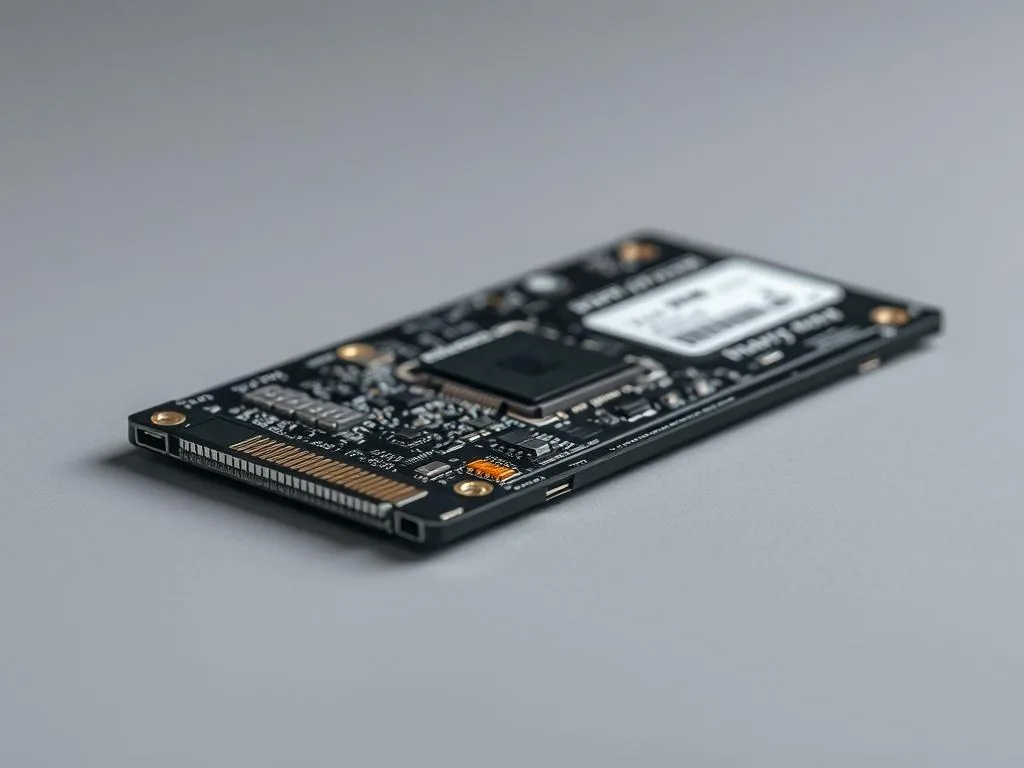
TRIM and garbage collection are mechanisms that help SSD and NVMe drives keep performance high, but from a data recovery point of view they can change the situation quickly. In simple terms, the controller receives information about blocks that are no longer needed, then may clean them or prepare them for new writes. For a user it sounds technical and harmless. For a lab it means that after deletion, formatting or a system event the safe reaction window can be much shorter than with an HDD.
TRIM does not always work the same way
It is not a simple rule where TRIM enabled means no chance. The result depends on the operating system, interface, controller, firmware, connection method and the data-loss scenario itself. A normal deletion, quick format, electronics failure and an SSD disappearing from BIOS/UEFI are different cases. After SSD data loss, do not assume either the worst scenario or an overly optimistic one.
Garbage collection works in the background
The difficult part is that some housekeeping happens in the background. The user may not be copying anything, yet the drive can still perform internal operations. That is why, after deleted data on SSD or NVMe, it is important to disconnect the device from normal work and limit every write. On a system drive, every restart, login, cloud sync and automatic update can make the situation worse.
What to do after data loss on SSD/NVMe
- Stop normal use of the computer or external SSD.
- Do not install recovery software on the same drive.
- Do not run test formats and do not copy new files onto the SSD.
- Write down the exact scenario: deletion, format, BIOS disappearance, controller error or failure after an update.
- If the data is business-critical or contains unique photos, do not repeat many scans with the same tool.
When this topic becomes a real recovery case
If you want to move from the mechanism to a concrete recovery scenario, start with the right path. Read TRIM and deleted SSD files - what to do immediatelytext why SSD/NVMe recovery does not work like HDD recovery and the main SSD and NVMe data recovery service. TRIM alone does not decide the outcome, but it often decides how quickly the right decision must be made.
Why fast reaction matters more than with HDD
With a classic HDD, the most important thing after deletion is often simply to avoid overwriting the data. With SSD and NVMe, the controller, firmware and internal housekeeping add another layer. After data loss on flash storage, it is not only the lack of new user writes that matters; it is also how quickly the drive is removed from normal work.
If the problem involves a system drive, the safest option is to reduce further boot attempts and avoid a series of tests whose only purpose is to check whether the files are still visible. Write down the failure story instead: manual deletion, format, BIOS disappearance, freezes, power loss or a firmware event. That description helps separate a logical loss from a controller or power problem.
When software recovery makes sense and when to stop
Not every TRIM or garbage collection case makes home action pointless, but there is a boundary. If the drive is detected stably, the problem concerns a small set of non-critical files and the work happens from a controlled environment, a careful check on a copy may be reasonable. If the SSD disappears, freezes the system, interrupts transfers or becomes unstable, additional scans usually do not improve the situation. Move to SSD/NVMe recovery diagnosis or the guide for an SSD not detected in BIOS.
If the deleted files are the only copy of photos, project documents or company data, do not base the decision only on the fact that a program shows file names. The quality of recovery, completeness of structure and the condition of the drive all matter. In those cases it is better to treat the case as a lab diagnosis than as an experiment on a live system.
When to move straight to a safe consultation
If you are already running another direct scan after deleting SSD or NVMe files and the data really matters, time is working against you. Instead of installing more tools or continuing to use the system, prepare a short description and laboratory contactso the recovery conditions are not made worse.
It is also worth checking how data recovery pricing works and service SSD data recovery service. These are the paths most often used for cases involving TRIM, garbage collection and sudden data loss on flash storage.
Where to start after SSD data loss
If you want to move from the mechanism to the exact loss scenario, start with one of these routes.