
TRIM and deleted files on SSD recovery chances
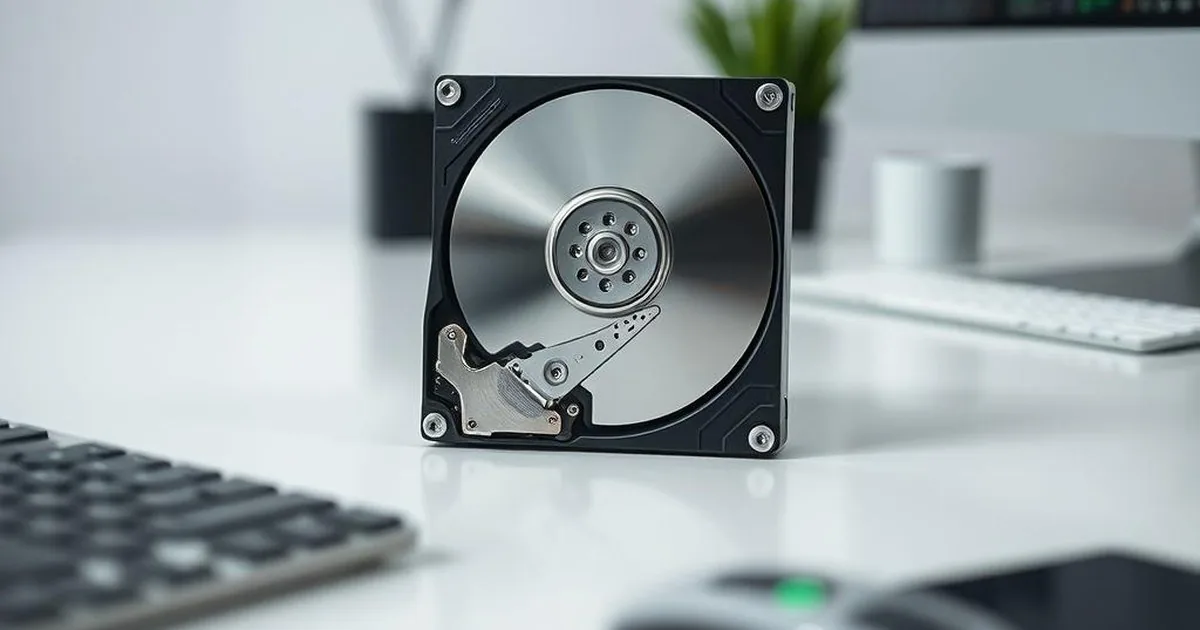
On an HDD, deleted data often remains physically on the platters until it is overwritten. On an SSD, the operating system can send a TRIM command that tells the controller which blocks are no longer needed.
The controller then manages NAND memory internally. It may clear blocks during background garbage collection, even when no recovery software is running. Is TRIM done yet?as long as the storage device was working after the data was removed and there were no further records. If files are important, the safer path is to consult quickly and SSD/NVMe data recovery instead of multiple testing of data recovery programs.
Why SSD is different from HDD
On HDD disks deleted data often remains physically on the plates until overwritten. In SSD, the controller actively manages NAND memory and cleans blocks that the system has labeled as unnecessary. This means that the recovery window can be much shorter than on the HDD.
When chances still exist
- TRIM has not executed or did not pass through the connection.
- The SSD was powered off quickly after deletion.
- The problem is damaged partition/file-system metadata, not ordinary deletion.
- The SSD works through a USB bridge or unusual environment where TRIM may not pass through.
If the SSD is unstable, missing from BIOS, shows 0 GB, freezes the computer or has firmware symptoms, the case is no longer only about deleted files. It may require SSD/NVMe diagnostics first.
What to do immediately after deleting data from SSD
- Stop using the storage device — don't install programs, copy anything, don't download files.
- If this is a system disk, limit the computer's further operation or disable it.
- Do not run scans directly on the original storage device if the data is critical.
- Write down exactly what happened: manual deletion, format, basket cleaning, system reset, reinstall.
When recovery software does more harm than good
With SSD any subsequent program reading can generate additional media work. This does not mean that software analysis never makes sense, but with important data and uncertain situations it is easy to worsen the starting position.
When you need a different approach
If the SSD disappears from BIOS, shows 0 GB or suspends the computer after connecting, do not treat it as a stable storage device after removing files. First check the guide about no SSD detection in BIOS or directly to the service SSD data recovery.
When to report the case to a lab
In terms of company documents, work photos, customer archives or the only copy of the project, it is not worth basing decisions on subsequent scans of the original storage device. The sooner you stop the vehicle, the better. You can go straight to description of the symptoms of SSD/NVMe Or see what he looks like. quote of data recovery.
Why time matters after deleting files
In the case of SSD, the first minutes and hours after data loss are crucial. The longer the system works on the storage device, the greater the chance that the controller will be able to perform the cleaning operations and physically remove blocks considered free. For this reason, the best decision after noticing the problem is to limit further work, not another program reading on the original storage device.
This is particularly important when we talk about a system disk or laptop that still performs system operations in the background. Updates, temporary files and standard system work can change the situation faster than the user expects.
When this is not just deleted files anymore
The user often assumes that the problem is only about data deletion, but in practice equally often involves damaged partition, RAW state, system software problem or even SSD/NVMe brick symptoms. If the computer stops detecting the disk correctly or additional symptoms appear, the case must be assessed more widely than the standard file restoration after removal.
Removing, format and losing partitions are different situations
With SSD, not every "data disappearance"means the same thing. Removing files from the wastebin, fast formatting, damaged partition, RAW status and no detection in BIOS lead to other decisions. TRIM is most important for data marked by the system as deleted, but in the event of controller failure, system software or power supply the problem may lie elsewhere.
Therefore, after the data has been lost from SSD, you should not start working from installing data analyzer software or starting long reading. If the system works from the same disk, each working minute can generate records: temporary files, updates, indexing, logs. A safer first step is to turn off the computer and describe the situation.
This increases the chances of a meaningful diagnosis of SSD
- information on whether the SSD was a system disk, external USB or a laptop component,
- storage device model, capacity and symptom: deletion, format, RAW, no detection, suspension,
- whether after the loss of data the computer was still used, updated or scanned,
- Power off the computer if the deleted files matter.
The fair limit is important: with the TRIM active some data can be physically irreversible. The diagnosis is to confirm if there is anything left to read in a particular case, instead of promising the result on the basis of the message itself.
Why external SSD also requires caution
Many users assume that the TRIM problem concerns only the system disk on the laptop. External SSDs and NVMe media in USB enclosures can also order blocks, use their own controller and react differently when the power is disconnected. Additionally, there is the USB bridge, which sometimes makes it difficult to read the condition of the storage device.
If the external SSD after deletion of the data was still used to copy, export photos or install video, chances may change with each subsequent operation. That is why the first step is to stop working, not install software analyzing data on the same computer and read the original storage device for hours.