
Brick SSD / NVMe: what means and how to secure data
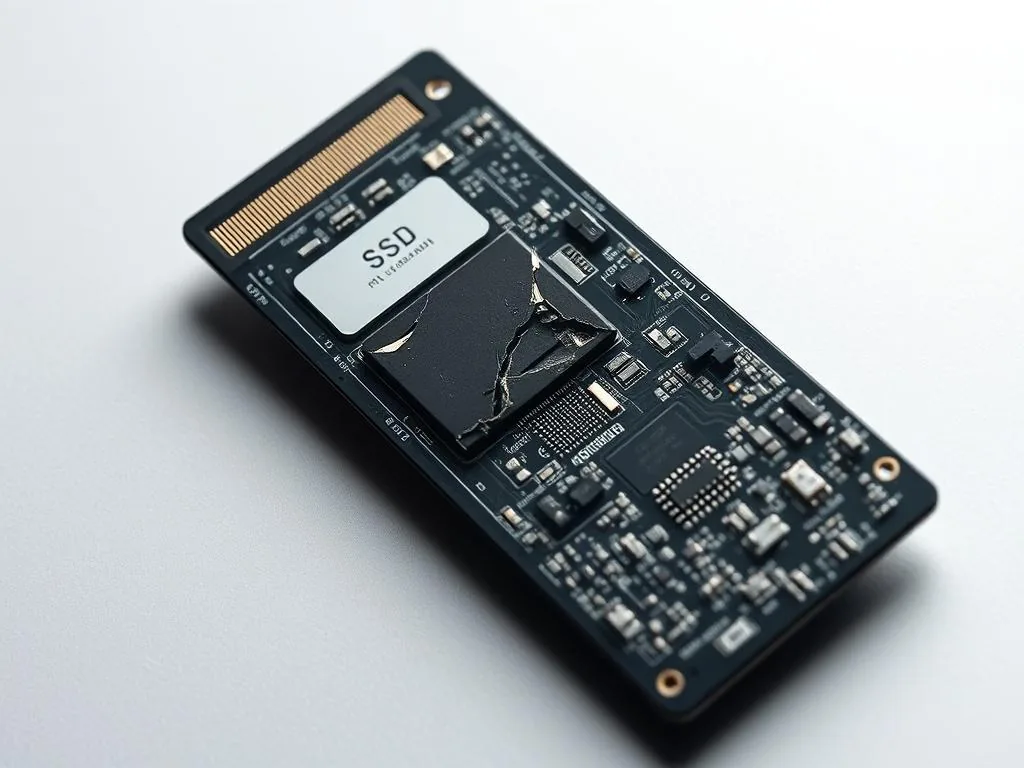
Brick SSD or NVMe is a situation where the media stops acting like a disk: it does not identify correctly, shows 0 GB, returns as "no media"or blocks reading already at first attempts. The most important thing then is not to run more tools on the original, but to stop activities that can close the failure.
A bricked drive behaves more like an unresponsive device than a normal disk with a damaged file system. It may not identify itself correctly, may report 0 GB, may hang the boot process, or may appear under a generic controller name instead of the real model.
What “brick” means for SSD and NVMe
The word “brick” comes from comparison to brick: the device physically exists, but from the point of view of the computer it ceases to function. In practice, it is a storage device that suddenly loses identification, stops responding to commands, or reports in a way that prevents safe reading.
Not every lack of detection means Brick. Sometimes the problem lies in cable, USB housing, port, BIOS/UEFI or power supply. This guide deals with a more serious scenario: the disk appears randomly, disappears during reading, shows 0 GB or “no media”, suspends the system or stops reacting after another attempt to copy.
Symptoms not worth ignoring
On the SSD and NVMe, symptoms can be silent. There is no tapping of plates or characteristic sounds, so it is easy to classify the problem as a temporary system failure. Meanwhile, subsequent reboots can shorten the time in which the storage device is still detected.
- Soft brick means the SSD sometimes still identifies, but it is unstable, disappears under load or responds only for a short time.
- Hard brick means no communication, no identification or no response even after changing the computer, port and power source.
- the computer is suspended when attempting to enter the partition,
- copying stops on the same files or sectors,
- the storage device is strongly heated even at a short reading,
- standard user software cannot start controlled reading.
If you see some of these symptoms at once, treat the disk as a high risk case. Subsequent tests without a diagnostic plan rarely give new knowledge, and may make the controller worse.
When it comes to Brick
During intensive reading
Brick often happens when damaged SSD or NVMe is long scanned, pictured without interruptions or copied sector across the sector without temperature control or timeouts. A storage device that acted unstable can stop identifying itself completely.
The most vulnerable are NAND memory degradation disks, unstable system software, controller problems and media only available via USB, where diagnostic access can be restricted.
After a hard reset or power cut
SSD performs internal operations even when the user sees only file transfer. A sudden reboot of the computer, a USB cable unplugged, a quick power switch off or multiple media respins can stop the controller at the wrong time.
The effect can be critical: data management structures are damaged and the disk returns empty, unrecognized or completely mute.
By overheating NVMe
Modern NVMe can heat up very quickly, especially beyond a well-cooled computer housing. As the temperature rises, throttling appears, then delays, response errors and sometimes controller emergency mode.
If the storage device is getting hot already on a short reading test, consider it a sign of unstable control. In such a situation, it is better to stop working and consult the case than to lead to a complete loss of identification.
Soft Brick and Hard Brick: Difference Matters
In practice, the distinction is important because it tells how careful the case requires and whether further tests outside the diagnostic environment still make sense.
- Soft Brick means that the disk is sometimes still reported, but it works unstable. It can appear after reboot, disappear under load, or only respond for a short time.
- Hard Brick means no communication, no identification or condition in which the vehicle does not correspond even after changing the computer, port and power supply.
With soft Brick, the most important thing is not to use the last stable drive responses to chaotic tests. With hard brick, standard user methods usually end, and an assessment of chances requires a diagnosis of the storage device and controller.
Why Brick NVMe is Especially Dangerous
In many NVMe media, the data is not in NAND memory as a simple, stackable puzzle. The controller manages block mapping, error correction, record order and often encryption. If the controller stops working, access to files can be cut off even if the memory bones themselves physically exist.
Therefore, the password "read bones"is not an automatic response to Brick SSD/NVMe. In some cases, it is crucial to restore controlled communication with the storage device rather than force reading.
What not to do after the drive disappears
The most risky decisions usually have one common feature: they increase the number of records, reboots or reading attempts without knowing what happens to the controller.
- Do not flash random firmware from the internet.
- Do not keep hard-resetting the computer to “catch” the drive for a moment.
- Do not initialise, format or create a new volume if the disk briefly appears.
- Do not run long surface scans on a device that disconnects.
- Do not move an NVMe drive through multiple consumer USB adapters as a diagnostic method.
If the data is important, the safer first step is to pass on the symptoms to the diagnostic. Sometimes the case qualification allows to distinguish the problem with the adapter from the failure, where each subsequent attempt is relevant.
What you can check safely
Not every case requires a storage device to be sent at once, but each requires order. Save what happened before the accident: update, power outage, reboot, laptop downfall, USB adapter work, sudden overheating or earlier SMART messages.
- Disconnect the device if it freezes the system or heats up quickly.
- Write down the model, connector type and last symptoms before detection was lost.
- Check only basics: another port, cable, power supply or known-good adapter, without a long scan.
- If the disk appears for a moment, do not start with a full scan. Decide which data matters first.
- If the device reports 0 GB or "no media", disconnect it and request laboratory guidance before further testing.
How lab diagnosis differs from software recovery
The laboratory makes sense when the data is more important than the disk itself, and symptoms indicate problems with the controller, system software, NAND memory or loss of identification. This applies especially to company media, power-operated computers, project disks, photos, documents or files that are not included in the current backup.
If you want to compare this scenario with other failures, see also:
If the storage device disappears, returns as 0 GB, suspends the system or gets heavily heated, the safest way to stop the tests and choose an orderly path: