Dysk i Spółka • Data Recovery Laboratory

Flash and memory card recovery guides

Guides focused on flash media: SD and microSD cards, USB flash drives, CFexpress/XQD/CFast workflows and safe handling after failure.

Blog navigation123Show all articles4 posts in Flash / cards · full blog: 65 posts

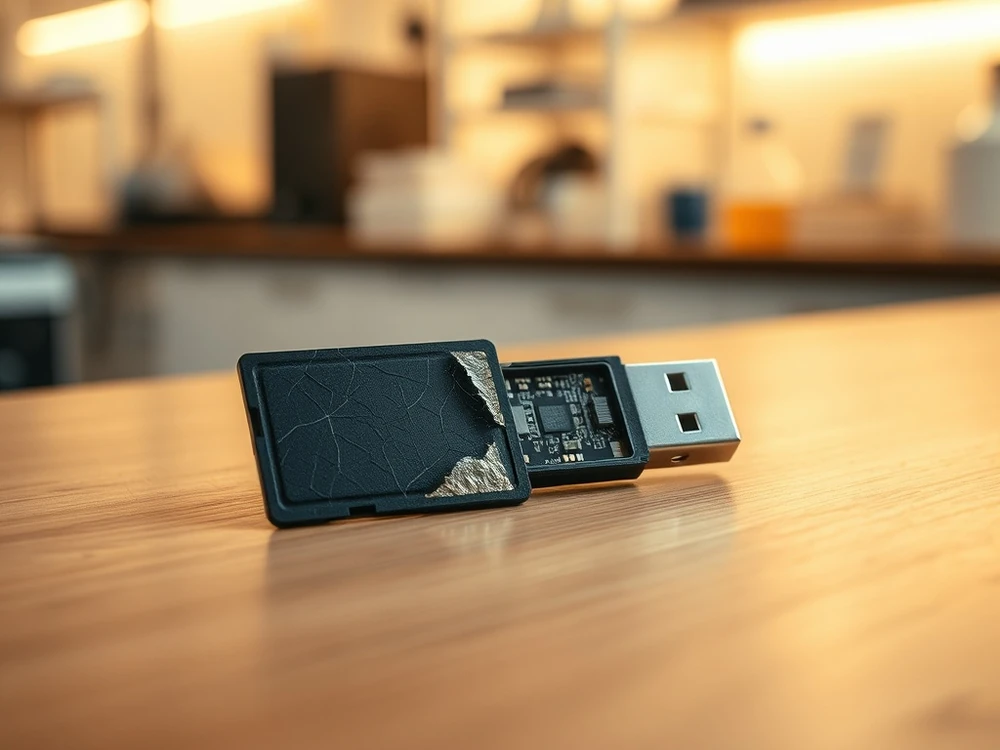
If a card or USB flash drive asks for a format, it disappears from the system or is used after losing files, first stop writing. Select a guide after the revelation and describe the case to the technician before the next... try to read.

KNOWLEDGE BASE

Where to start with cards and flash drives

First, determine whether the problem concerns a simple USB card/memory, CFexpress/XQD/CFast storage device or material after the order. In this archive, we deliberately separate Flash storage, device failure and backup habits:, storage device failure and Laboratory functionDo not mix prevention with data loss incident.

SSD/NVMe recovery next steps

For memory cards, USB drives and CFexpress/XQD/CFast media, stop writing to the device and preserve the original card.

Initial lab assessment • NDA/GDPR • Secure imaging

Data recovery in Warsaw: laboratory diagnosis

Describe the card, USB flash drive or professional flash storage device: model, device, message and whether there were new photos or recordings after the crash. You can also call: 573 532 490.

Data recovery in Warsaw: laboratory diagnosis

First stop-write then diagnosis