
"The drive needs to be formatted" - what to do
A format prompt does not mean the files are gone. Check what to do before confirming anything.
Do not confirm formatting →Dysk i Spółka • Data Recovery Laboratory
Page 2 focuses on symptoms that usually appear before a risky click: RAW, format prompts, CRC errors, recovery costs, backup choices and damaged HDD/USB behavior.
This archive collects only blog content: guides, checklists and case studies. Service, local and sales sites are disabled to keep the blog clear and truly useful.
KNOWLEDGE BASE
If you get here for the first time, start with the entries that most often help to stop the escalation of the problem and avoid The most expensive mistakes.
A format prompt does not mean the files are gone. Check what to do before confirming anything.
Do not confirm formatting →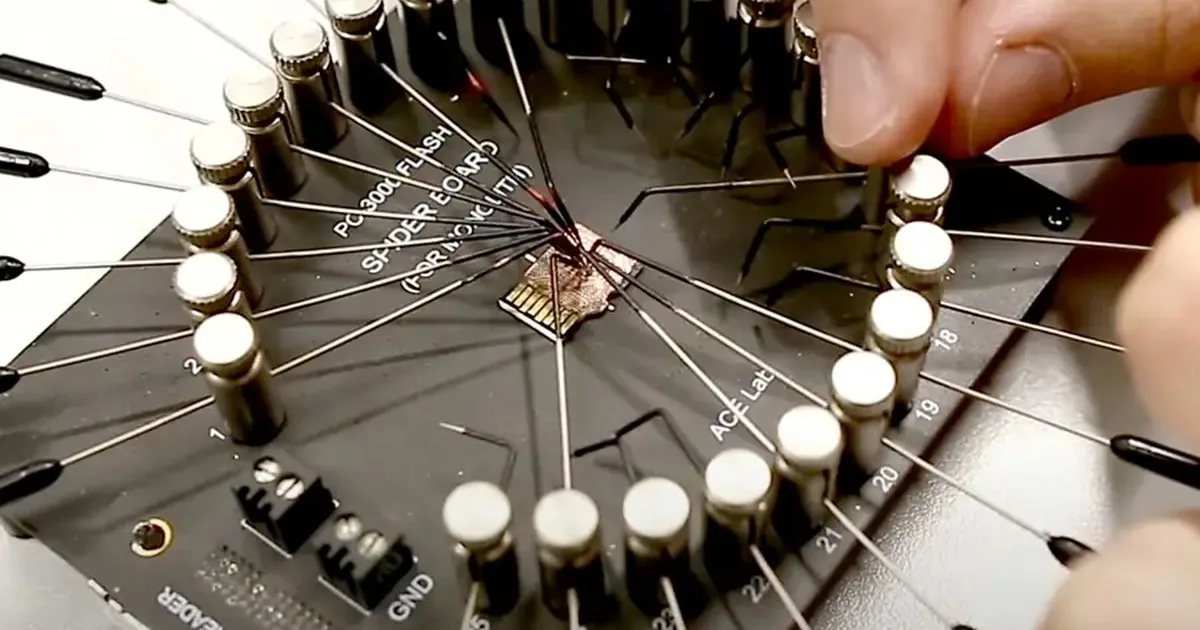
Data loss is a bad time to test random advice from the web. This text organizes what to do right away and what is better not to touch at all.
Check the first steps after data loss →
The price of recovery depends on the type of storage device, the type of damage and the scale of laboratory work. We break down the topic into specific ranges and factors that really influence the quote.
See what the price depends on ’
A simple backup should be realistic for implementation, not just nice to present. We show copy layout for small business, photographer and people working on important projects.
See copy plan →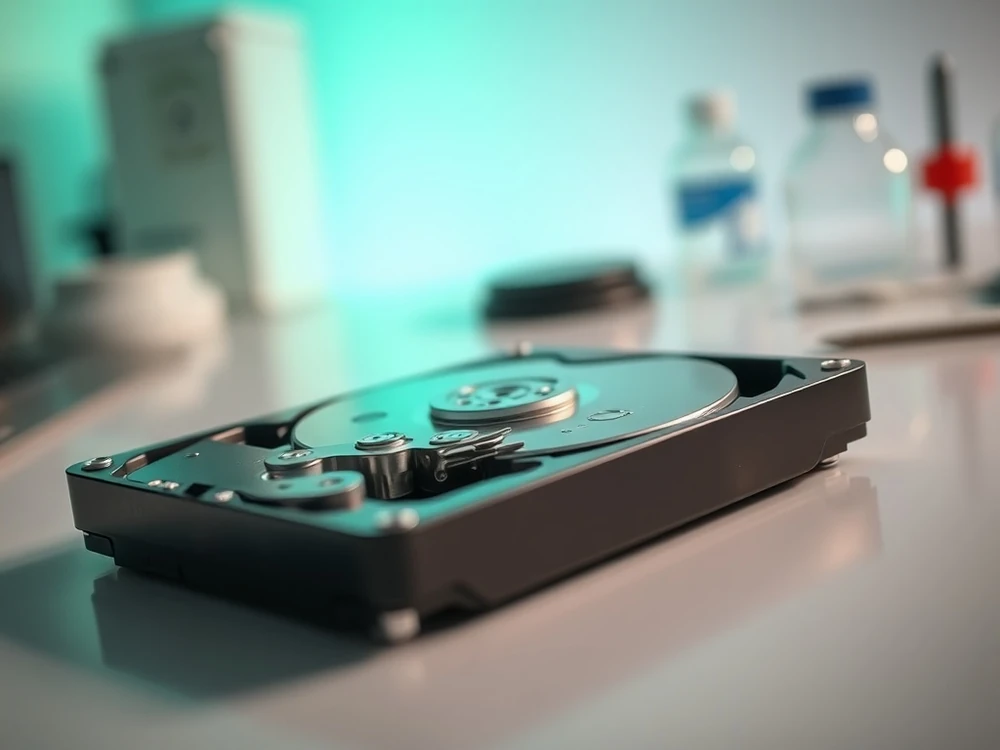
Recovery from HDD starts with recognizing the symptoms, not with installing another program. Here we separate logical, electronic and mechanical failures into specific scenarios.
Check the first steps ’
Deleted recordings from the DVR are not always lost immediately, but time is against you. We explain what the recovery chances in DVR and NVR depend on.
See how to secure the recordings →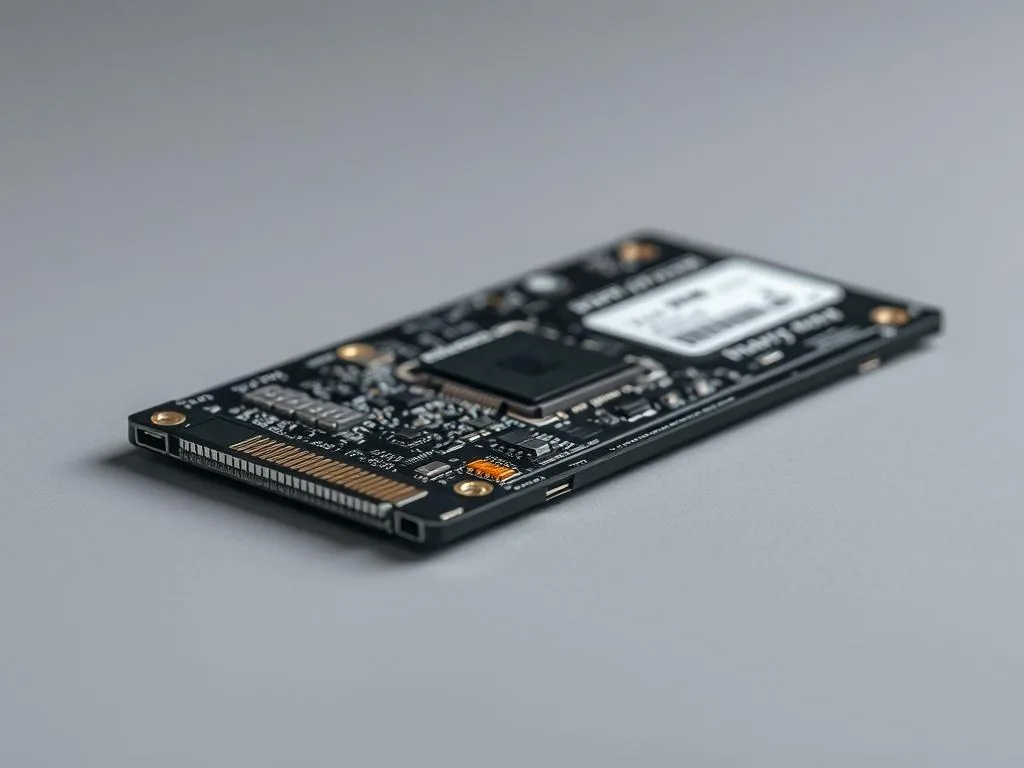
Minutes count on SSD, because TRIM and garbage collection can quickly change the situation after deleting files. We explain when recovery is still realistic.
See how TRIM works →
Screenplay with wedding material after flooding of equipment. We show you what risks to check first and where you end up safe activities outside the laboratory.
See script analysis →
Not every backup needs NAS and the corporate cloud. We compare HDD, SSD and online services in terms of cost, convenience and data security.
Check the score →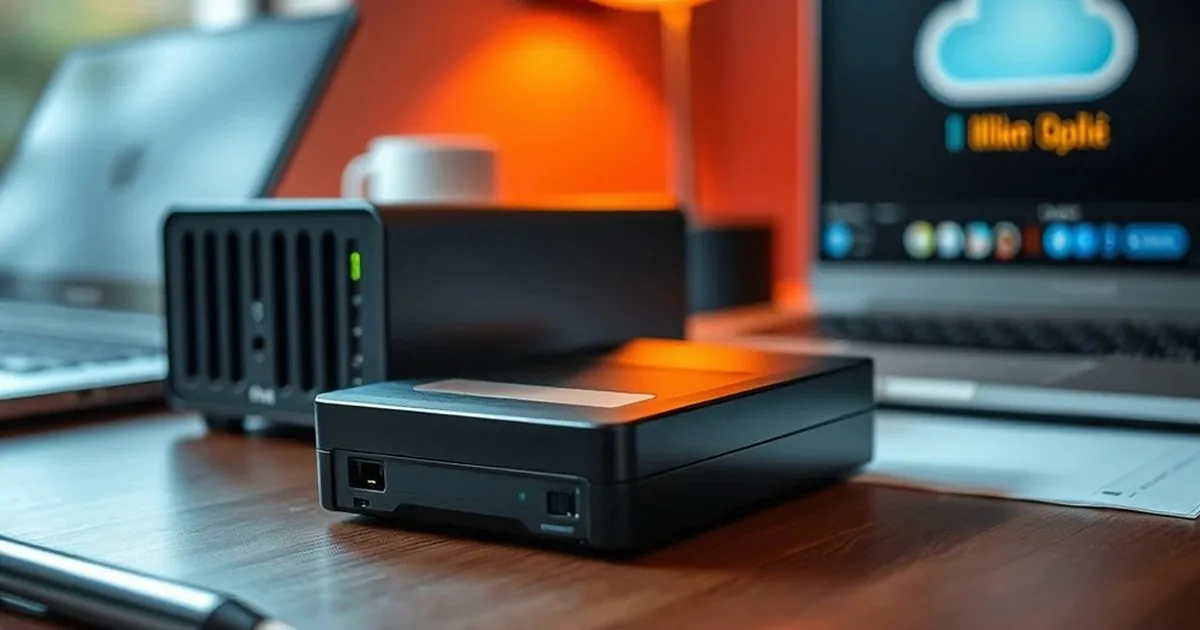
What does a working day in the laboratory look like? Without marketing fog: diagnosis, securing storage devices, sector copies and decisions that need to be made before the actual recovery begins.
See the lab's work →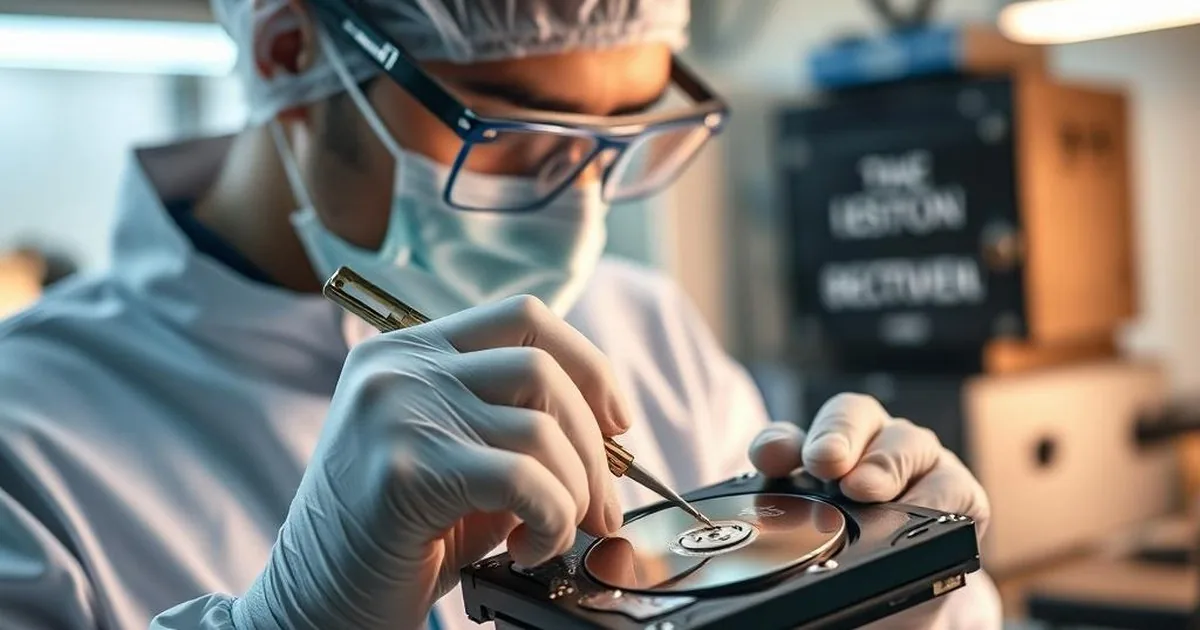
One order without a backup may result in the loss of all material and reputation. This workflow organizes backup for the photographer and cameraman immediately after the photos.
See copy process →
Monitoring must be secured so that the recordings are valuable when they are really needed. We discuss copies, retention and the basics of GDPR compliance.
See how to secure the recordings →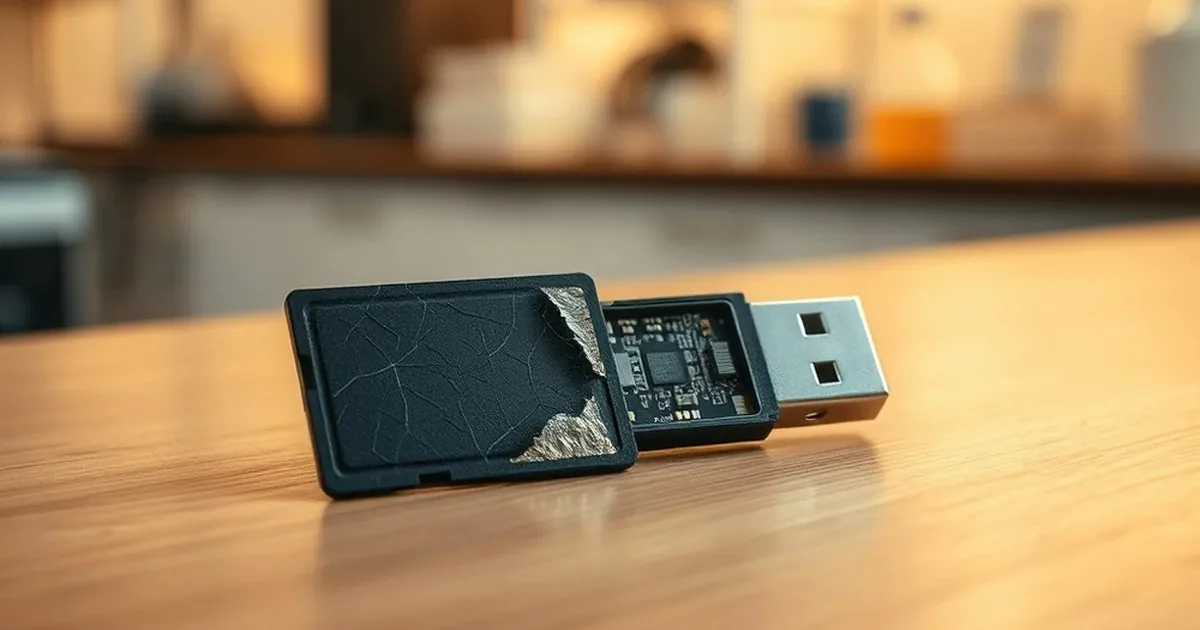
In recorders, the file system is sometimes more important than the device model itself. We explain why JFS and XFS are so important when recovering recordings.
Verify DVR/NVR filesystem →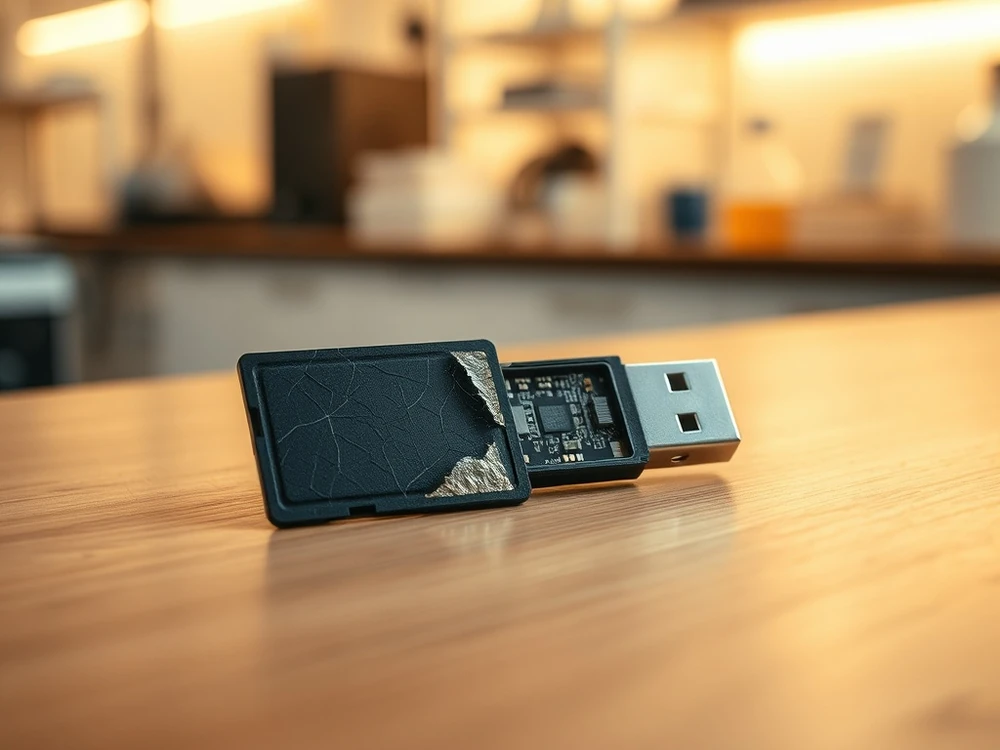
The card or USB flash drive may stop responding without any prior warning. We show the first steps that help, instead of hammering out the USB flash drive.
See safe steps →
After flooding, the pace is important, but the correct sequence of actions is even more important. Here's a simple checklist: what to disconnect, what not to dry and when to stop starting attempts.
Check the first help →
A glowing LED and silence in the system is a common scenario with USB drives. We show you how to distinguish the problem of the housing, cable, power supply and the storage device itself.
Check what to disconnect first →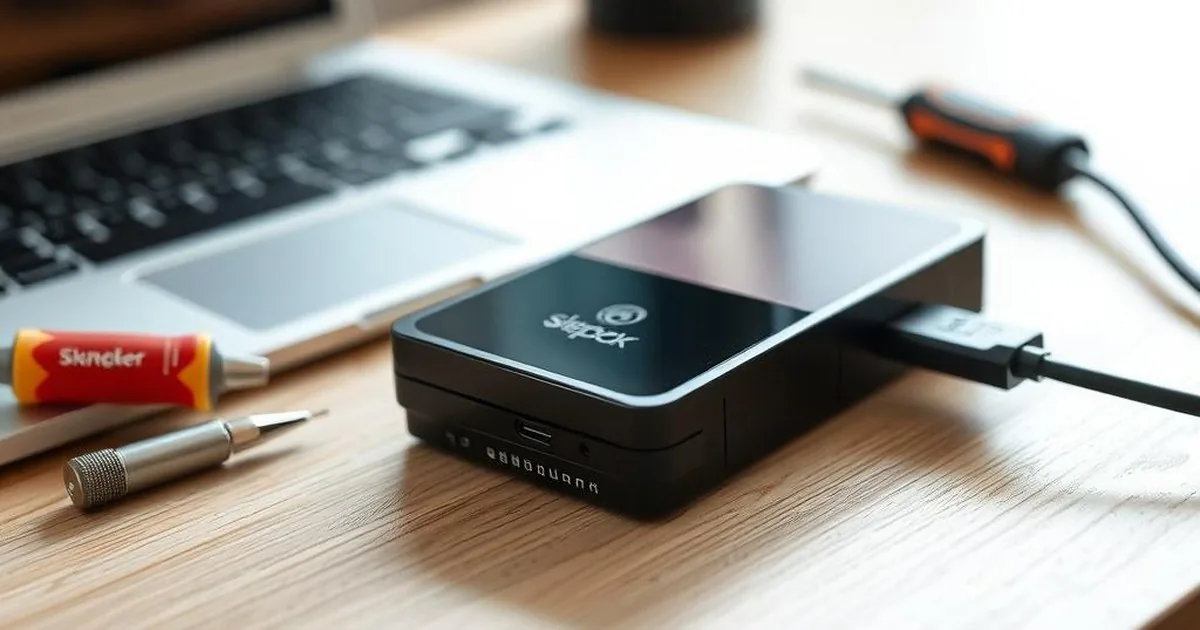
This is one of the most expensive myths in data recovery. The "trial" format can retrieve files that could have been saved a moment earlier.
See what you don't do →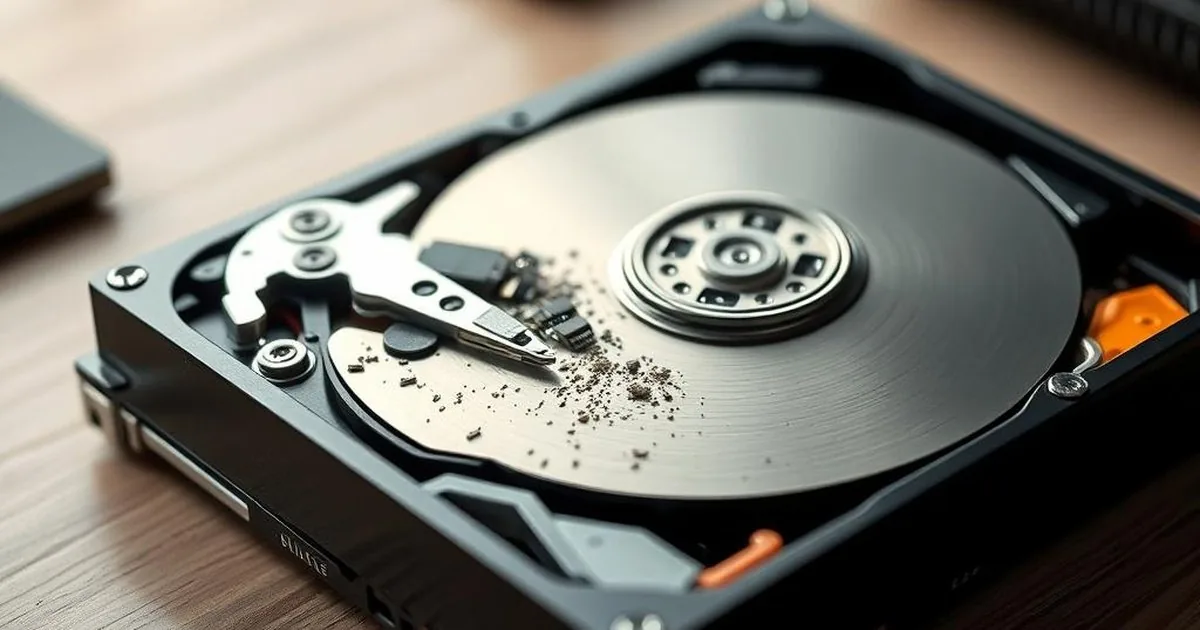
Recovery software saved on the same drive may overwrite the exact files you are looking for. We explain why this mistake is so common.
Read the safer guide →
An open HDD outside the cleanroom quickly collects dust and loses the chance for safe recovery. We'll show you why "I'll just see for a moment" is a very bad idea.
Check the risk of opening the HDD →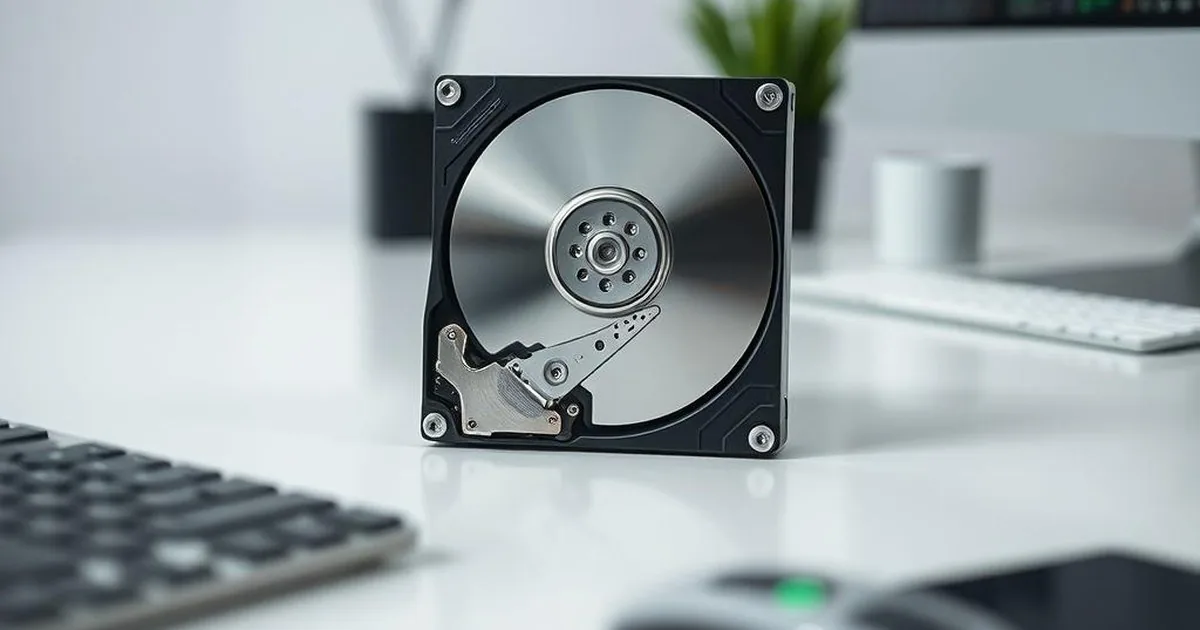
CHKDSK can clean up the file structure at the expense of some data. In the article we explain when such a repair does more harm than good.
Check CHKDSK's risk →Initial lab assessment • NDA/GDPR • Secure imaging
Describe the indicator, the symptom and the most important data —, the technician indicates the safe next step. You can also call: 573 532 490.
First, a description of the symptoms then a safe next step