
Corrupt HDD – 5 errors that destroy data
What not to do after HDD clicks, RAW prompts, CHKDSK errors or failed copies, and how to preserve the evidence before lab diagnosis.
Meet the bugs after the crash of HDD →Dysk i Spółka • Data Recovery Laboratory
Guides focused on HDD failures: clicking sounds, RAW partitions, CRC errors, dropped drives and the first safe steps before laboratory diagnostics.
RAW drive asking to be formatted, clicking HDD, CRC errors or a disk missing from Windows? Start with the HDD data recovery. If the problem concerns a portable drive in an enclosure, see HDD data recovery.
KNOWLEDGE BASE
Below you will find three auxiliary inputs to the HDD cluster. It is a knowledge base supporting the diagnosis, not the main site of the service.
What not to do after HDD clicks, RAW prompts, CHKDSK errors or failed copies, and how to preserve the evidence before lab diagnosis.
Meet the bugs after the crash of HDD →
Learn when a CRC error is a cable issue, when sectors are failing and when another copy attempt may make the recovery harder.
Make sure the CRC is not affected. →
Initialization can overwrite metadata. Check what the Windows prompt means before you click OK on a disk that still contains needed files.
Check the initialization of the disk →
The black screen after connecting the disk does not always mean the damaged system. We write how to separate the problem of the storage device from the computer's fault and which actions do not perform without diagnosis.
Check black screen →
A RAW status usually means the system cannot read the file structure. Formatting or CHKDSK may reduce what the lab can recover.
Check RAW without formatting →
Power loss can interrupt file-system writes and expose weak sectors. See what to check before running repair tools.
Check RAW after power failure →
After being connected to another computer, the storage device may suddenly go RAW due to the power supply, file system or a previously hidden fault. We check the most typical scenarios.
Check the RAW after sipping ’
A message with a request for formatting often appears exactly when the data is still to be saved. The most important thing is: to confirm nothing without diagnosis.
Check formatting message →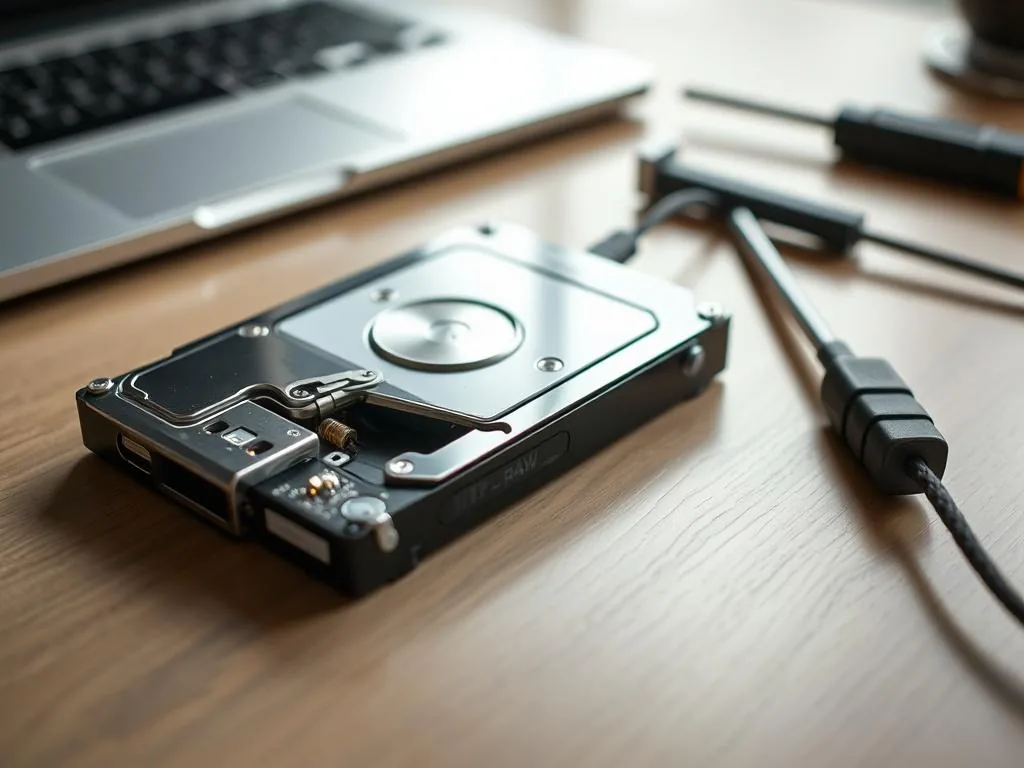
Separate cable, bridge, power and file-system symptoms before formatting the device or running automatic repair.
Check RAW on USB drive →
Clicking can point to head, spindle or service-area trouble. Stop repeated power cycles and write down the sound pattern.
Checking the hard drive →
Clicking, knocking and squeaking are not "operational characteristics", but symptoms of a mechanical failure of the HDD. We've collected the most common sounds and what each of them may mean.
Recognize HDD's lengths →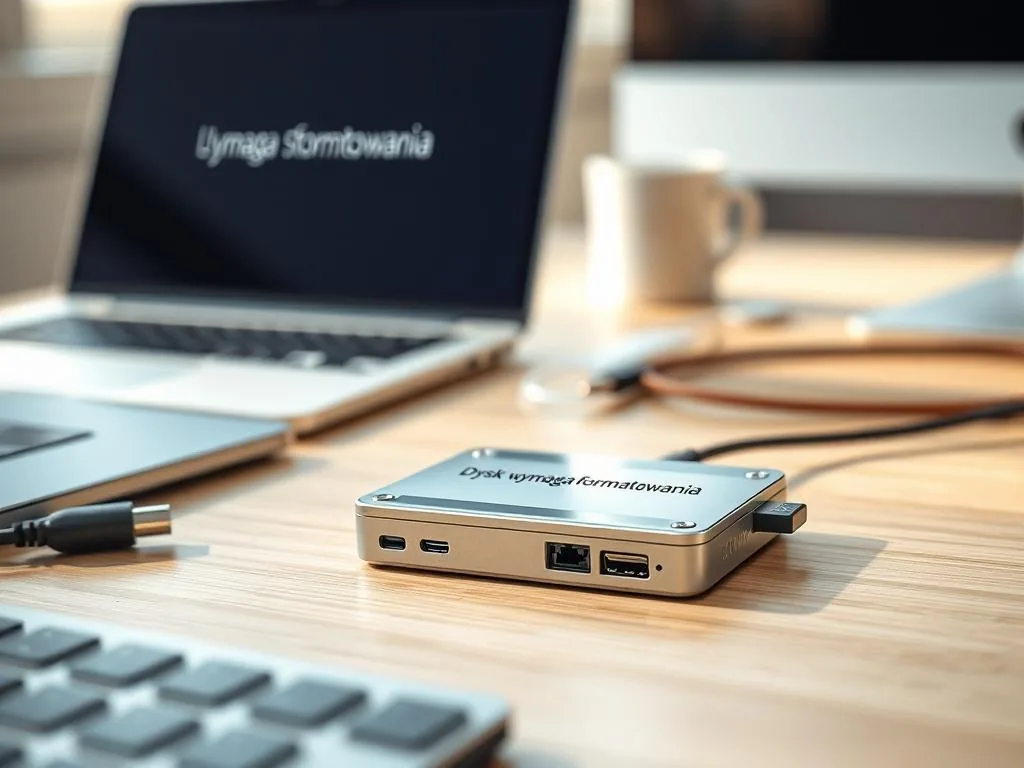
A format prompt does not mean the files are gone. Check what to do before confirming anything.
Check your Windows message →
Disconnecting while copying usually indicates instability that will get worse. We show when the hardware is to blame and when the disk itself fails.
Check USB connection →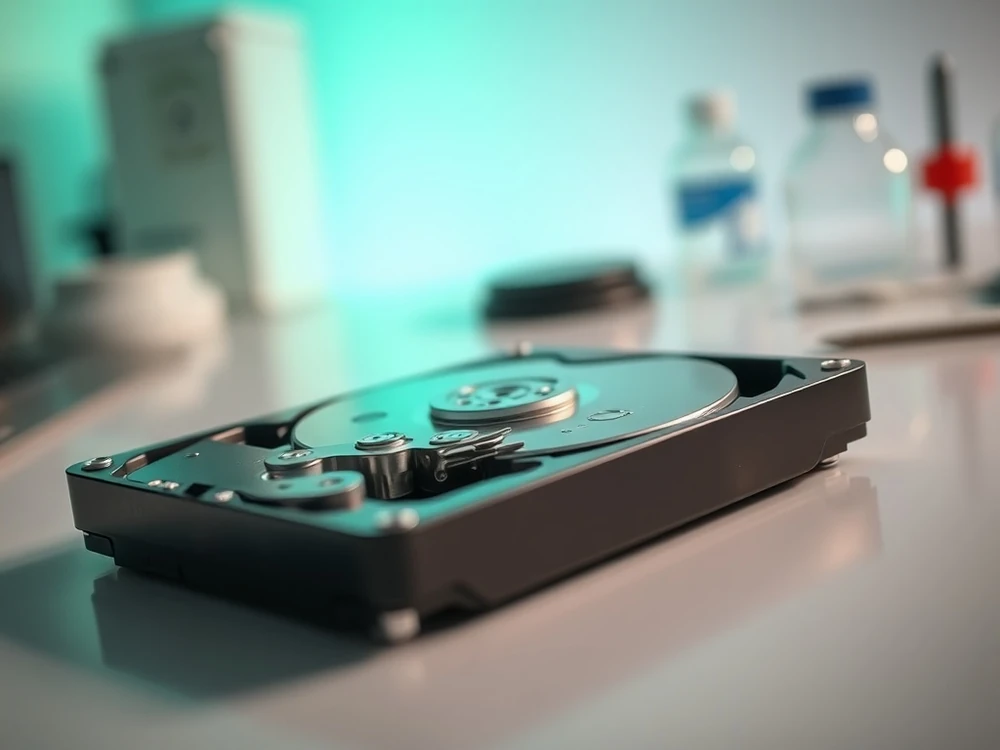
Recovery from HDD starts with recognizing the symptoms, not with installing another program. Here we separate logical, electronic and mechanical failures into specific scenarios.
Check HDD track →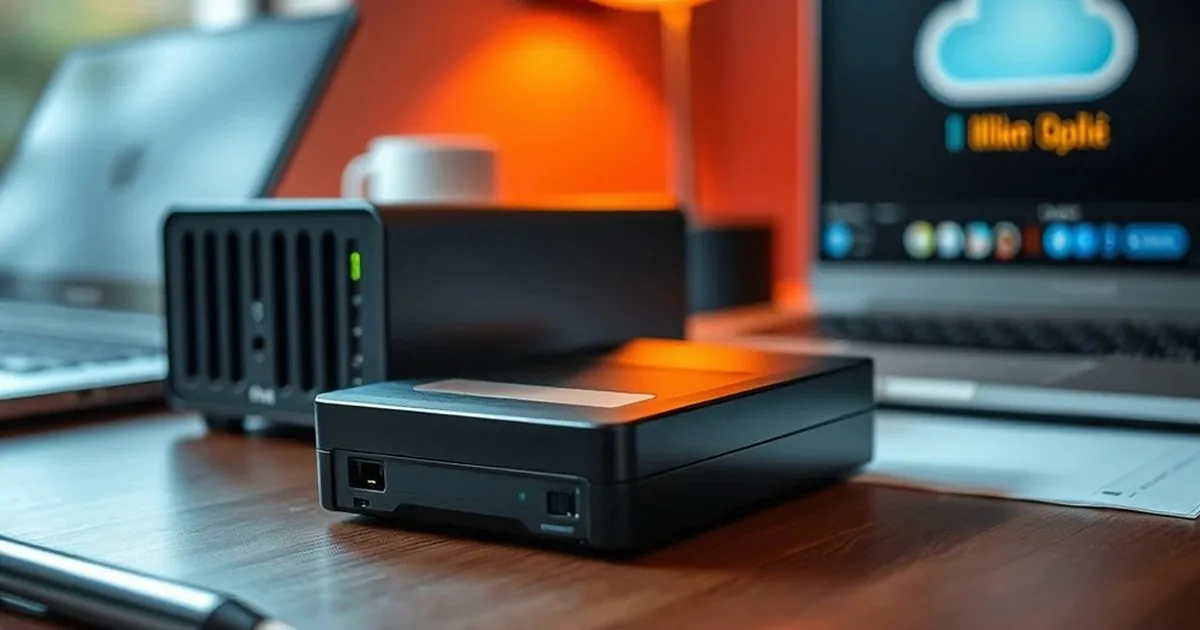
A glowing LED and silence in the system is a common scenario with USB drives. We show you how to distinguish the problem of the housing, cable, power supply and the storage device itself.
Check the invisible USB drive →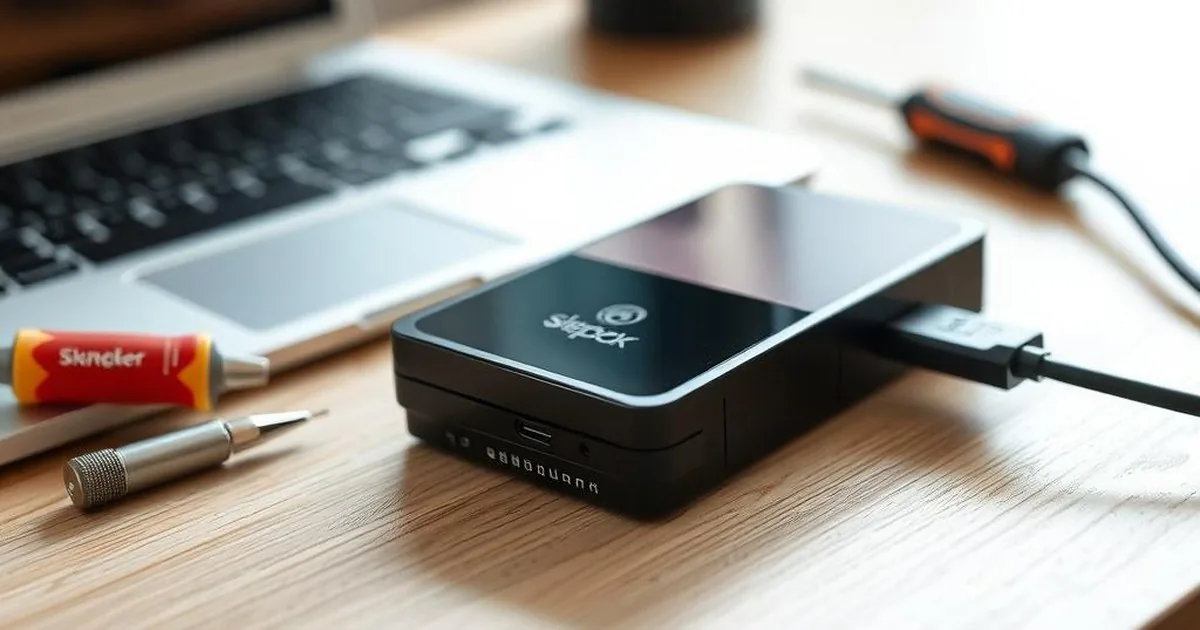
Quick format, full format and SSD TRIM can all change recovery options. Pause before confirming a format prompt.
Verify the risk of formatting →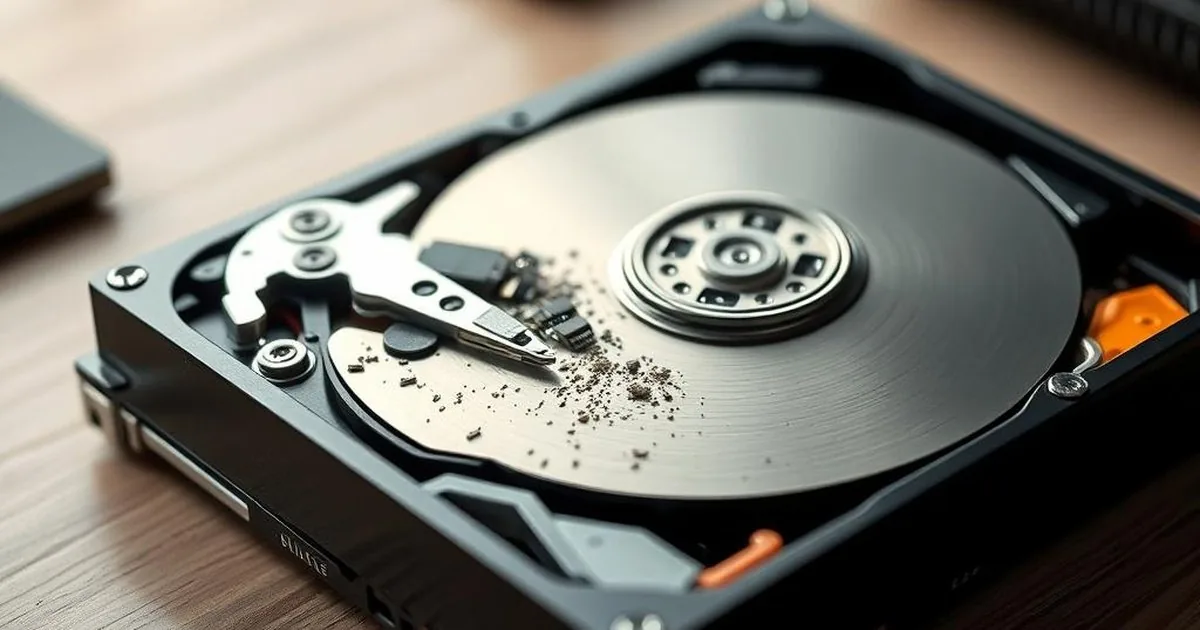
Recovery software saved on the same drive may overwrite the exact files you are looking for. We explain why this mistake is so common.
Verify the risk of installation ’
An open HDD outside the cleanroom quickly collects dust and loses the chance for safe recovery. We'll show you why "I'll just see for a moment" is a very bad idea.
Check the risk of opening the HDD →
CHKDSK can clean up the file structure at the expense of some data. In the article we explain when such a repair does more harm than good.
Check CHKDSK's risk →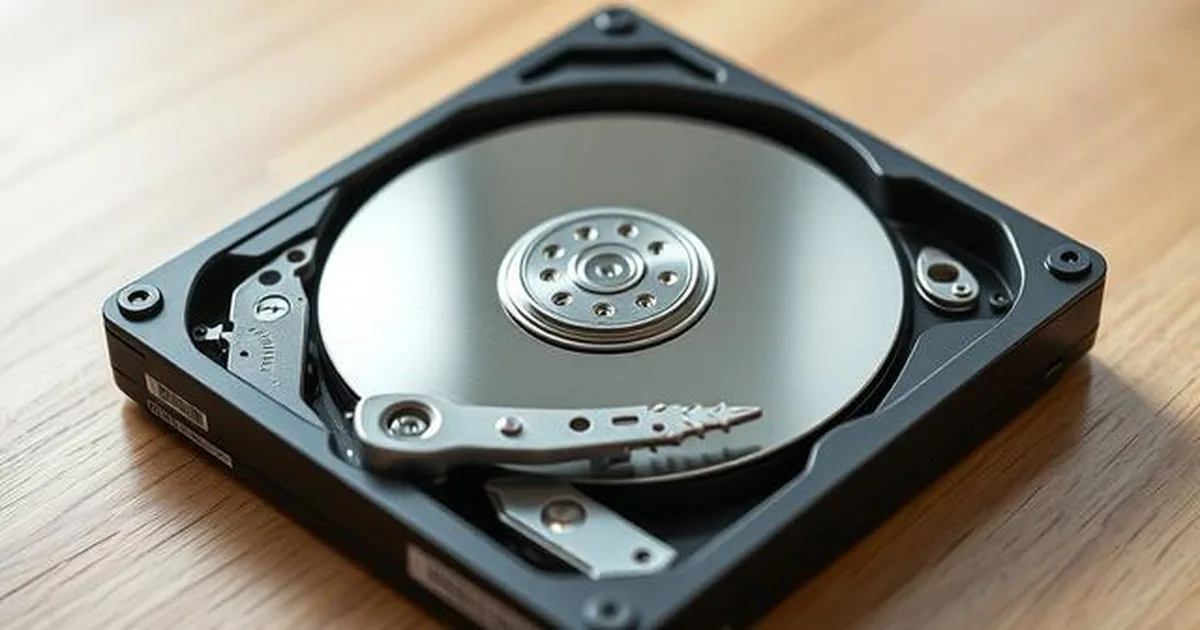
I/O Device Error in WD Passport often starts with slowdowns, disconnections, or copy errors. We explain how to distinguish a USB problem from a real storage device failure.
Verify I/O WD →Initial lab assessment • NDA/GDPR • Secure imaging
Describe the failure of the HDD drive: sound, message, model and whether it would have needed repair. We'll go back with a safe first step for the storage device.
First a description of symptoms then a safe step