
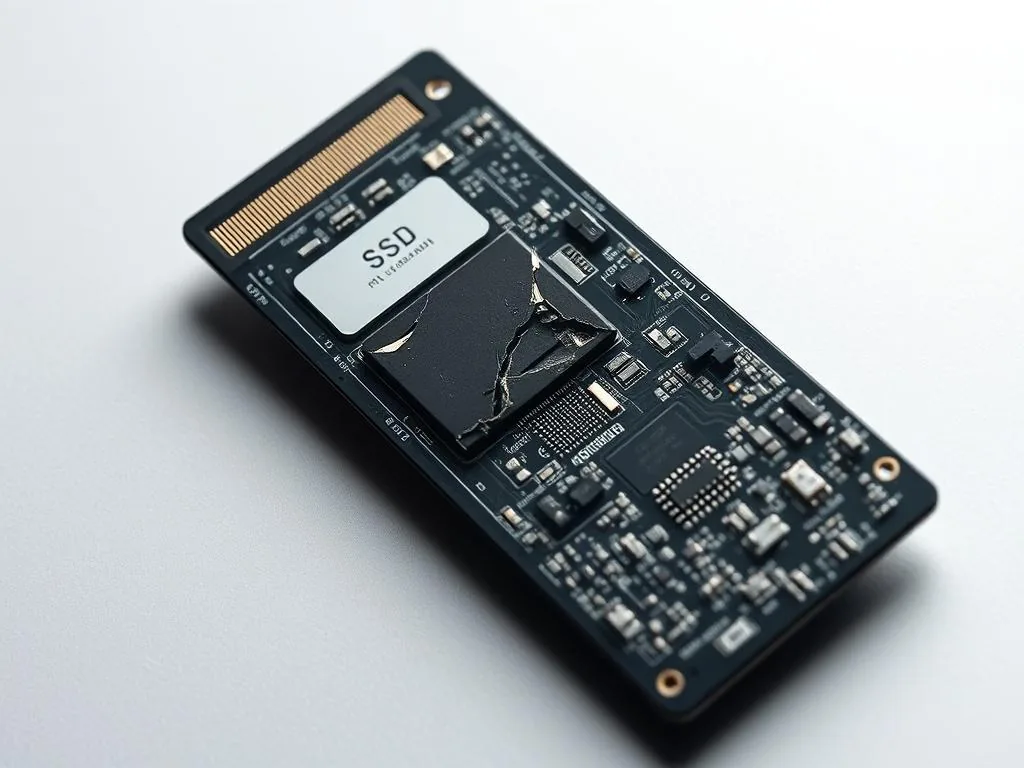
Read: SSD and NVMe bricking — what it means and why it most often happens during data recovery
What SSD/NVMe bricking means, why it can happen during recovery attempts and why power cycling is risky.
Check Brick SSD/NVMe →Dysk i Spółka • Data Recovery Laboratory
Guides focused on SSD and NVMe failures: drives not detected in BIOS, TRIM behaviour, controller faults and safe first steps before recovery.
Select the SSD/NVMe scenario according to the symptom: deleted files at TRIM, no detection in BIOS, failure after power failure or damaged controller. With the relevant data excl. computer, do not install recovery software on this disk and prepare a description of the symptoms for the initial diagnosis.
KNOWLEDGE BASE
First, divide three scenarios: deleted files at active TRIM, no detection in BIOS, or a controller/brick failure. Articles in this category help... recognize risks, but do not replace the correct recovery path.
Is SSD RAW or 0 GB worth diagnosing software on the original?
No, if the storage device disappears or suspends the computer. First you need to secure the state of the storage device and check the controller or firmware.
Does TRIM always delete the chances of recovery?
Not always, but I can strongly limit the data range. Therefore we do not promise the result before diagnosis....
See SSD/NVMe Or check out the TRIM guide.
What SSD/NVMe bricking means, why it can happen during recovery attempts and why power cycling is risky.
Check Brick SSD/NVMe →
A practical comparison of reliability, failure modes and what each drive type means for your data.
Lieutenant SSD and HDD →
Steps to avoid when an SSD disappears from BIOS, Windows Disk Management or a laptop boot menu.
No SSD detection →
Minutes count on SSD, because TRIM and garbage collection can quickly change the situation after deleting files. We explain when recovery is still realistic.
TRIM and tangy collection →
When deleted SSD files may still be recoverable and when TRIM can remove the underlying data.
Checked deleted files on SSD →If after diagnosis of the symptom you want to go to diagnosis, save the message, model and last action. Do not scan the program when it disappears, shows 0 GB or suspends the computer.
SSD/NVMe symptoms • safe diagnosis
Describe the failure: whether the storage device disappears, shows 0 GB, format, TRIM or power outage. We do not promise a result without a diagnosis, but we will indicate a safe next step
First the diagnosis then the decision to work