

Read: How to recover deleted NVR/DVR recordings: step-by-step guide and diagnosis
What to do before recording data is overwritten.
Check the deleted recordings →Dysk i Spółka • Data Recovery Laboratory
This archive groups articles about CCTV footage, DVR/NVR recorders, file systems and safe handling of surveillance data. Core service intent stays on the dedicated CCTV / DVR / NVR footage recovery page.
If the recordings are... the evidentiary meaning, counts time and stop overwriting. Do not format the recorder disk, do not run the repair on the original and describe the DVR/NVR model and the scope of the recording“ for diagnosis.
KNOWLEDGE BASE
First, determine whether the problem concerns deleted recordings‘, DVR/NVR file system, retention/overwrite or invalid export. It is a knowledge base for the first decision, but does not replace the correct recovery path.
What to do before recording data is overwritten.
Check the deleted recordings →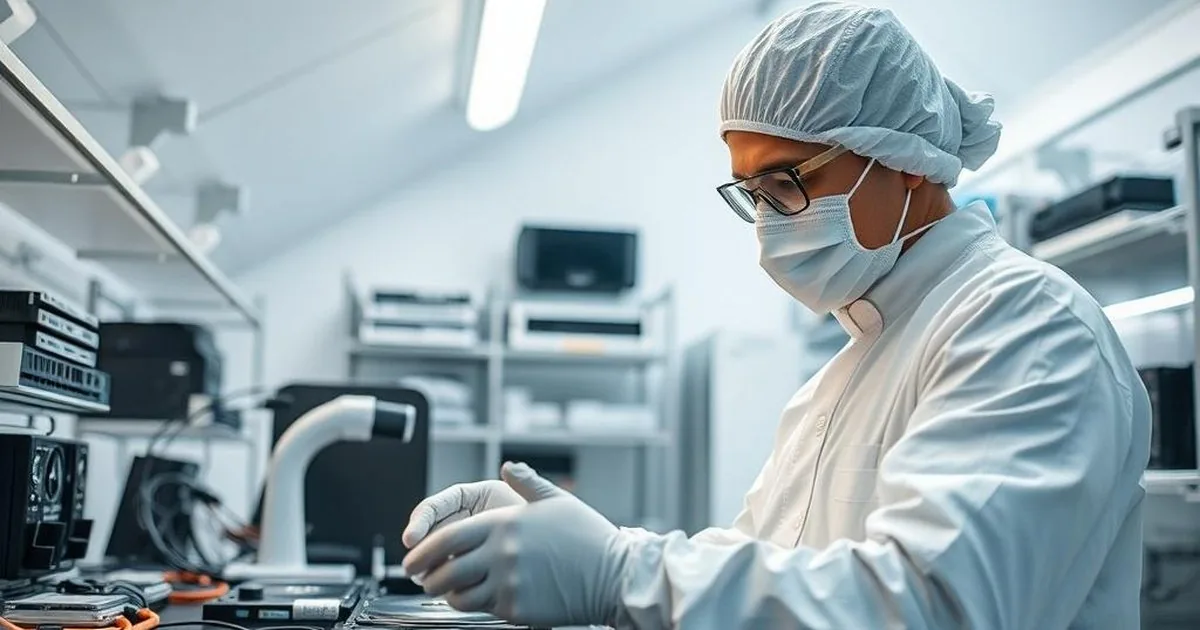
It is a guide to the retention of recordings, safety copies and risks of loss of material in the environment of CCTV, DVR and NVR monitoring.
Verify copies and retention ’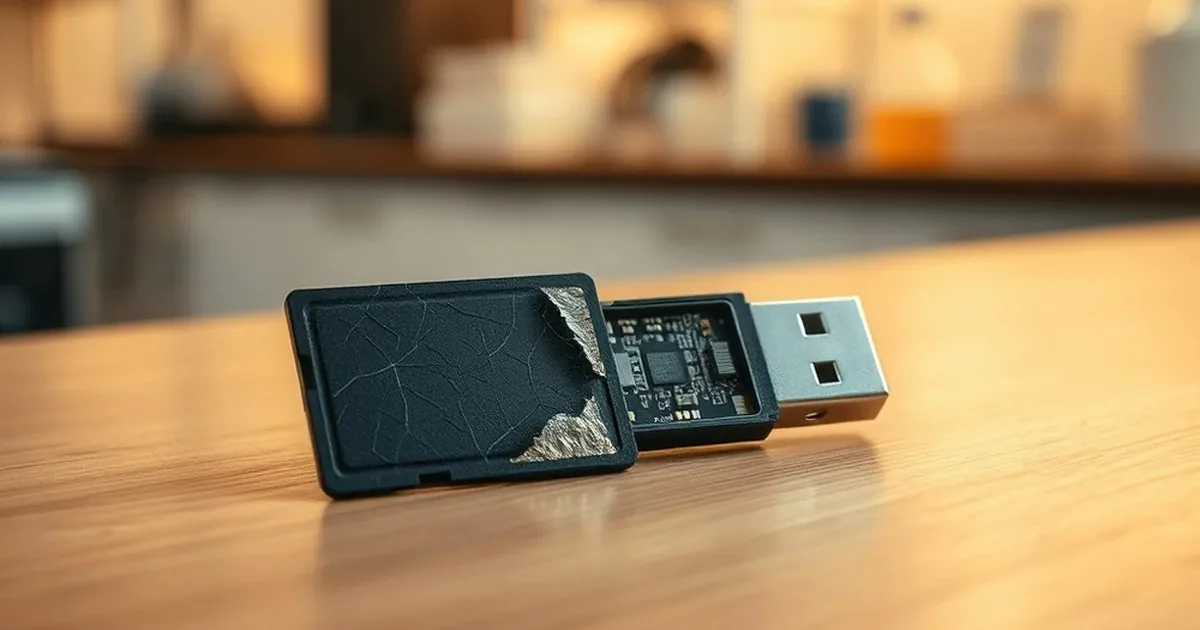
The difference between JFS and XFS affects how recordings are recovered after failure or deletion. This entry explains why the file system is relevant in the diagnostic phase.
Test JFS/XFS at DVR/NVR →
Retention in a recorder does not always mean an immediate end to chances. This entry explains when overwriting is partial and when you need to stop writing immediately.
Check overwritten recordings →
After the disk is replaced, the recorder may not see a loader for many reasons: model compatibility, initialization mode, power state or damage to the HDD itself. This entry separates a safe diagnostic from risky tests.
Check the disk after the exchange →If it concerns a specific range of dates or hours, start by securing the recorder and describing whether the recording is still ongoing. This makes it easier to assess whether the problem is to remove, overwrite, drive failure or export.
Initial lab assessment • NDA/GDPR • Secure imaging
Describe monitoring: DVR/NVR model, date and time range, whether the recording still works and whether there is export, format or disk exchange. You can also call: 573 532 490.
First, the scope of the recording’ then the rating of overwriting